Product, Spaces
Team chat where a message can become work.
Spaces hold the talk of a team, one topic at a time, so a conversation does not bury the last one. Turn a message into a task, start a poll or a meeting from the box, and keep private work private.
The free plan is one seat and 3,000 credits a month, never charged.
01Spaces and topics
A place for each team, a topic for each subject.
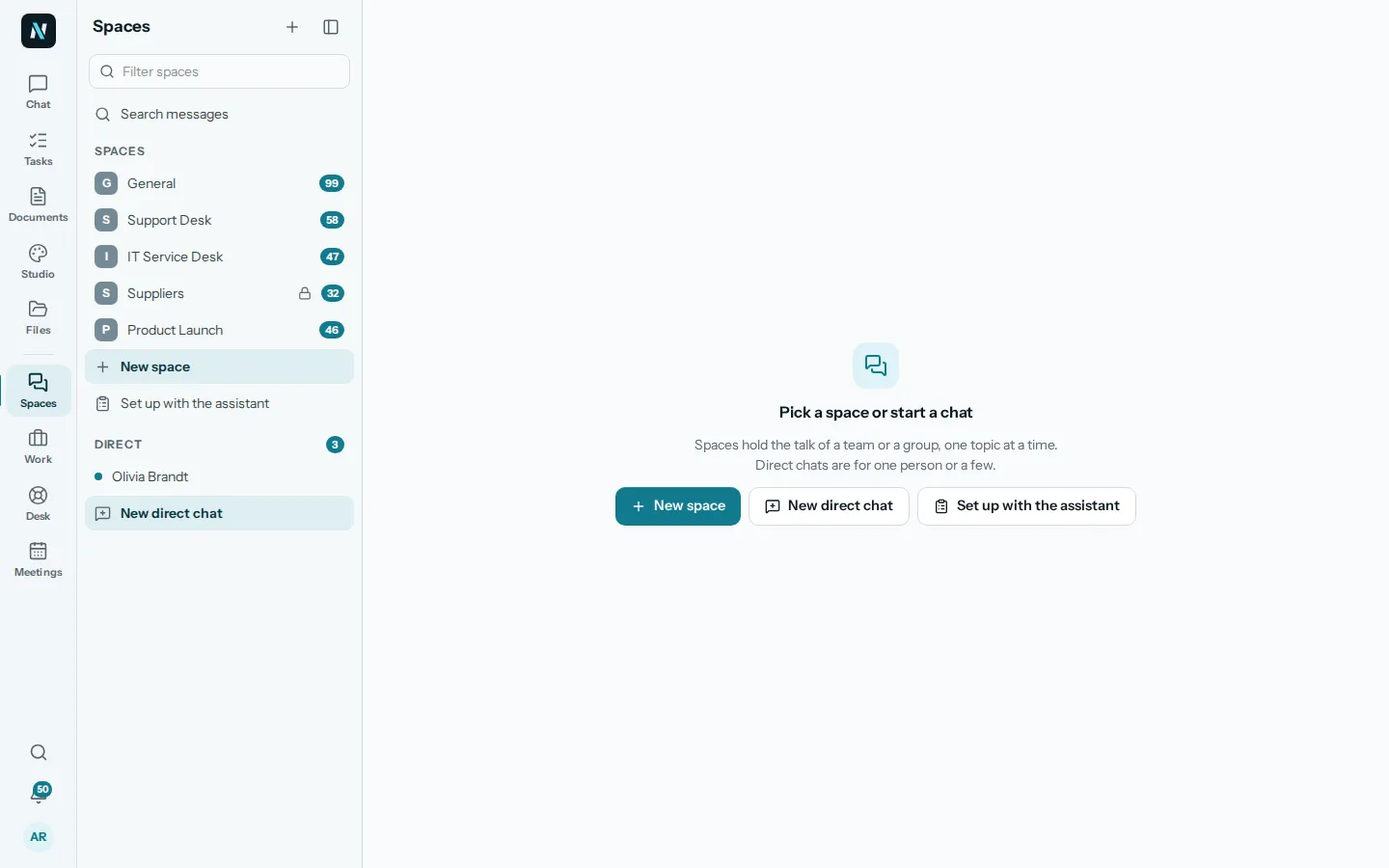
Each space has topics, and each topic is its own conversation, so a question about the launch does not get lost under the lunch plans. Direct chats are for one person or a few, up to twenty. Unread counts show in the list, and you choose to be told about all messages, mentions only or nothing.
In the message box you can attach files, add emoji, mention people and record a voice note, and a transcript of it is made. A message can be replied to, edited, moved to another topic or made into a task.
What nerix does here
- Ask the assistant in a topic and get an answer there.
- Ask the assistant in your own chat what someone said about a subject, and get the answer with links.
02Who can see it
Open, private or restricted.
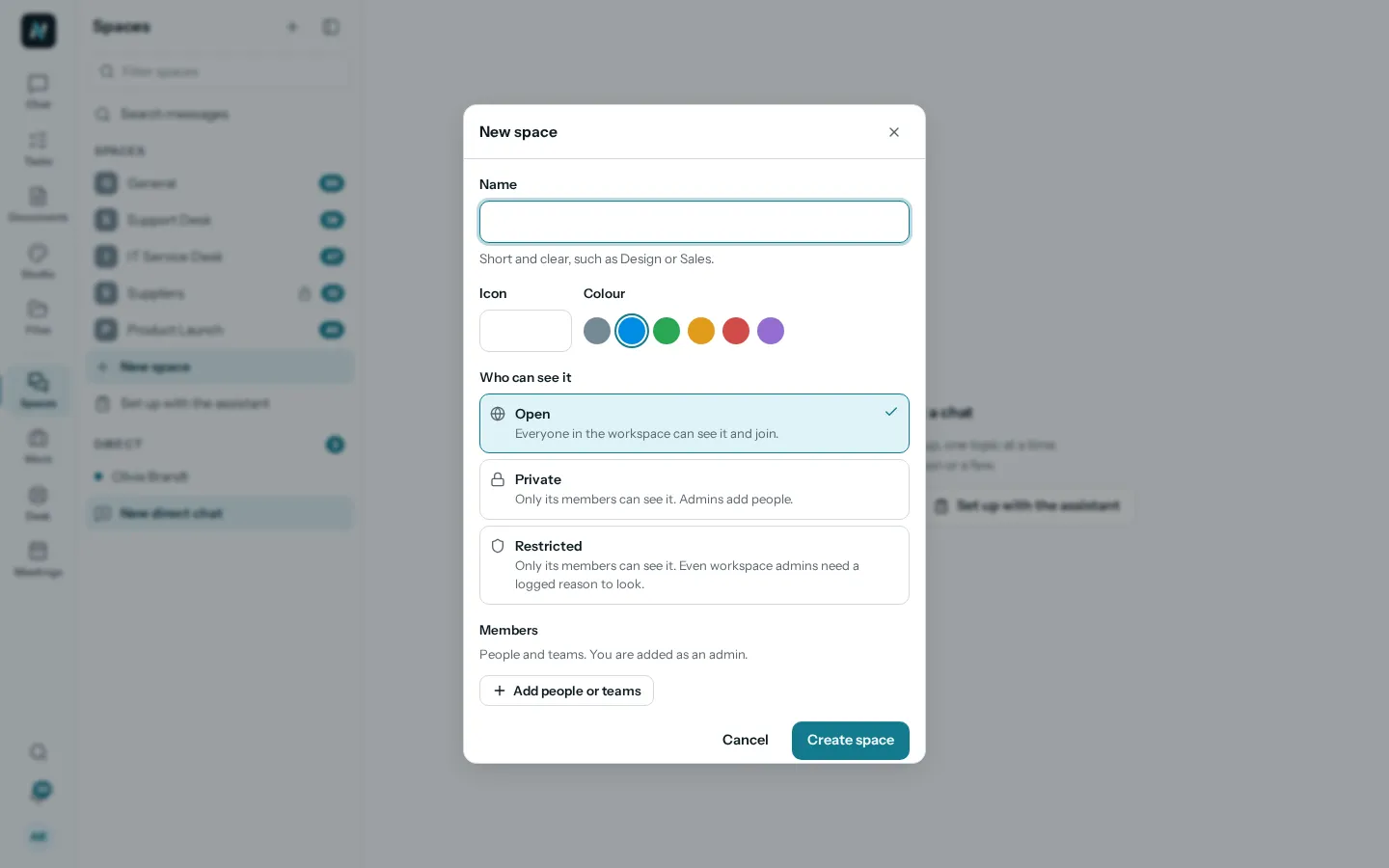
Owners and admins make a space with a name, a colour and an icon, and choose who can see it. Open: everyone in the workspace can see it and join. Private: only its members. Restricted: only its members, and even workspace admins must give a logged reason to look.
Members are Admins, Members or Guests. Guests are outside collaborators who see only the topics they are added to.
What nerix does here
- Each space can switch AI help off. When it is off, the assistant sees nothing from that space.
- The assistant answers only from what you are allowed to see.
03Find it again
Search messages and topics, and call from the chat.
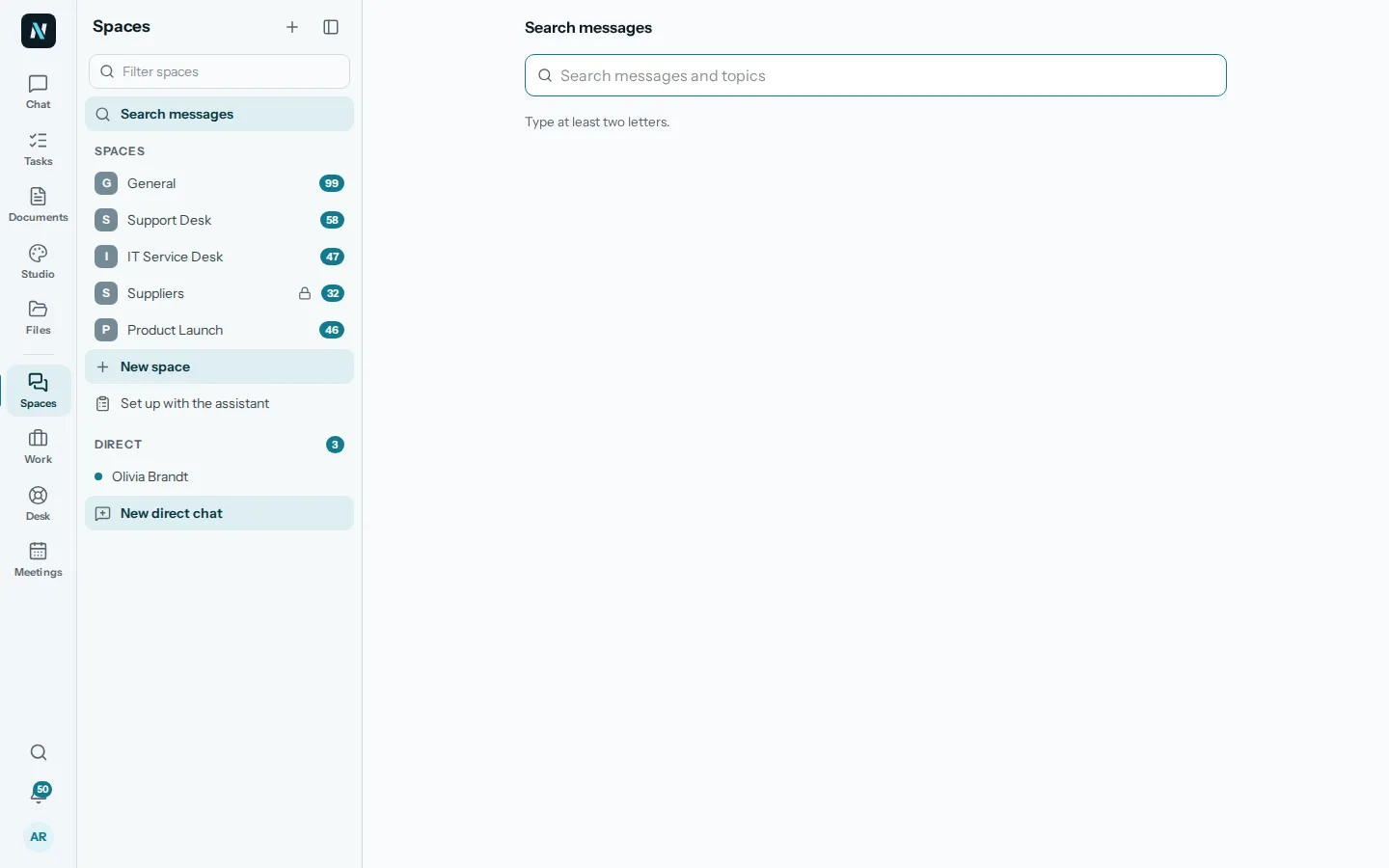
Search finds messages and topics across the spaces you belong to. The Call button calls the people of a space or a direct chat.
Commands in the box turn the talk into work: Make a task, Start a poll, Start a meeting, Ask the assistant. A poll asks one question with up to ten answers, one choice or several, and can close at a set time.
What nerix does here
- Ask what was said about a customer or a deadline instead of scrolling.
- Make a task from a message, and have it show up in Work.
04Set up with the assistant
Tell it about your organisation. It suggests the spaces.
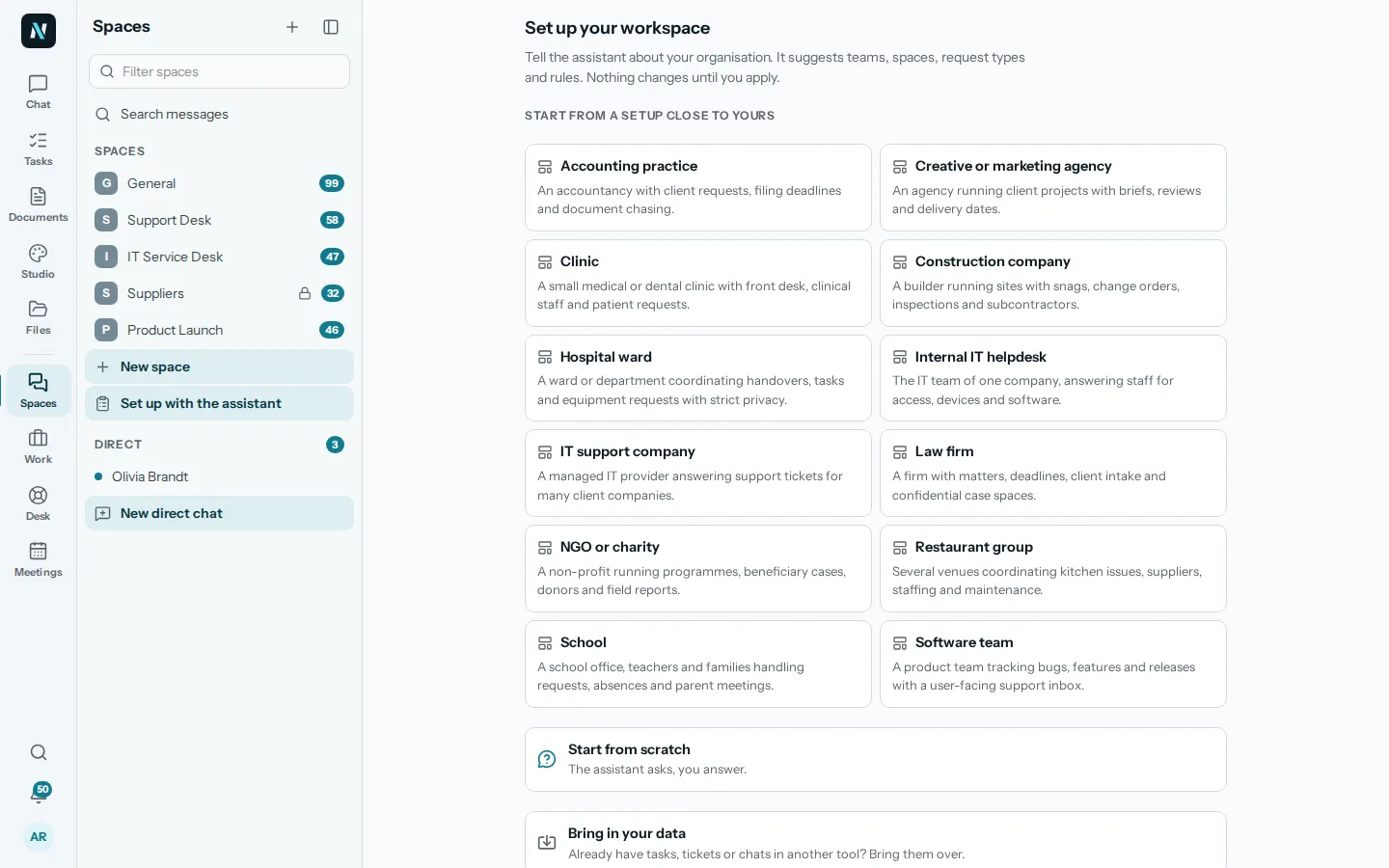
Pick a setup close to yours, such as a clinic, a law firm, a school or a software team, or start from scratch and answer the assistant's questions. It suggests teams, spaces, request types and rules, and nothing changes until you apply.
Already have tasks, tickets or chats in another tool? Bring them in, check what it will create, and undo the import if you change your mind.
What nerix does here
- Suggest teams, spaces, request types and rules from a short description of your organisation.
- Propose how imported data maps onto them, for you to check.
05Questions
Questions
How is a space different from a chat?
A space belongs to a team and holds many topics, each its own conversation. A direct chat is for one person or a few, up to twenty.
Can we keep some work private?
Yes. A private space shows only to its members. A restricted space also makes workspace admins log a reason before they look.
Can people outside the company join?
Yes, as guests. A guest sees only the spaces and topics they are added to, not the library or the assistant.
Can the assistant read our chat?
Only where you allow it, and only what the person asking may see. Each space can switch AI help off, and then the assistant sees nothing from it.
Can a message become a task?
Yes. A message can be made into a task, and it appears in Work with the rest.
Do you support calls and voice notes?
Yes. Record a voice note and a transcript is made, and the Call button calls the people of a space or chat.
Can we have a chat feature that is not here?
We build custom features and connectors for businesses. Tell us what you need on the Built for you page.
Need something this does not do? We build it into your workspace. Built for you
- 01ChatAsk across everything you own, with every sentence sourced.
- 02Tasks and projectsTasks, cases and projects as a list, a board, a table or a calendar.
- 03Help deskA help desk with queues, macros, a portal and response targets.
- 04MeetingsAgenda, live notes, minutes and action items, filed as tasks.
- 05Built for youFeatures, connectors and workflows we build into your workspace.
- 06FeedbackFeedback: reviews, 360 feedback and surveys, sent by link, with anonymity that holds.
- 07ChecksAudit readiness from about 90 frameworks, checks on a plan, issues that become tasks and business reviews.
- 08DemosEverything you can try or watch: the example workspace, samples, templates and a free chat.
- 09PricingPlans and credits, in euros, monthly or yearly.
Keep reading
Teamwork5 min read
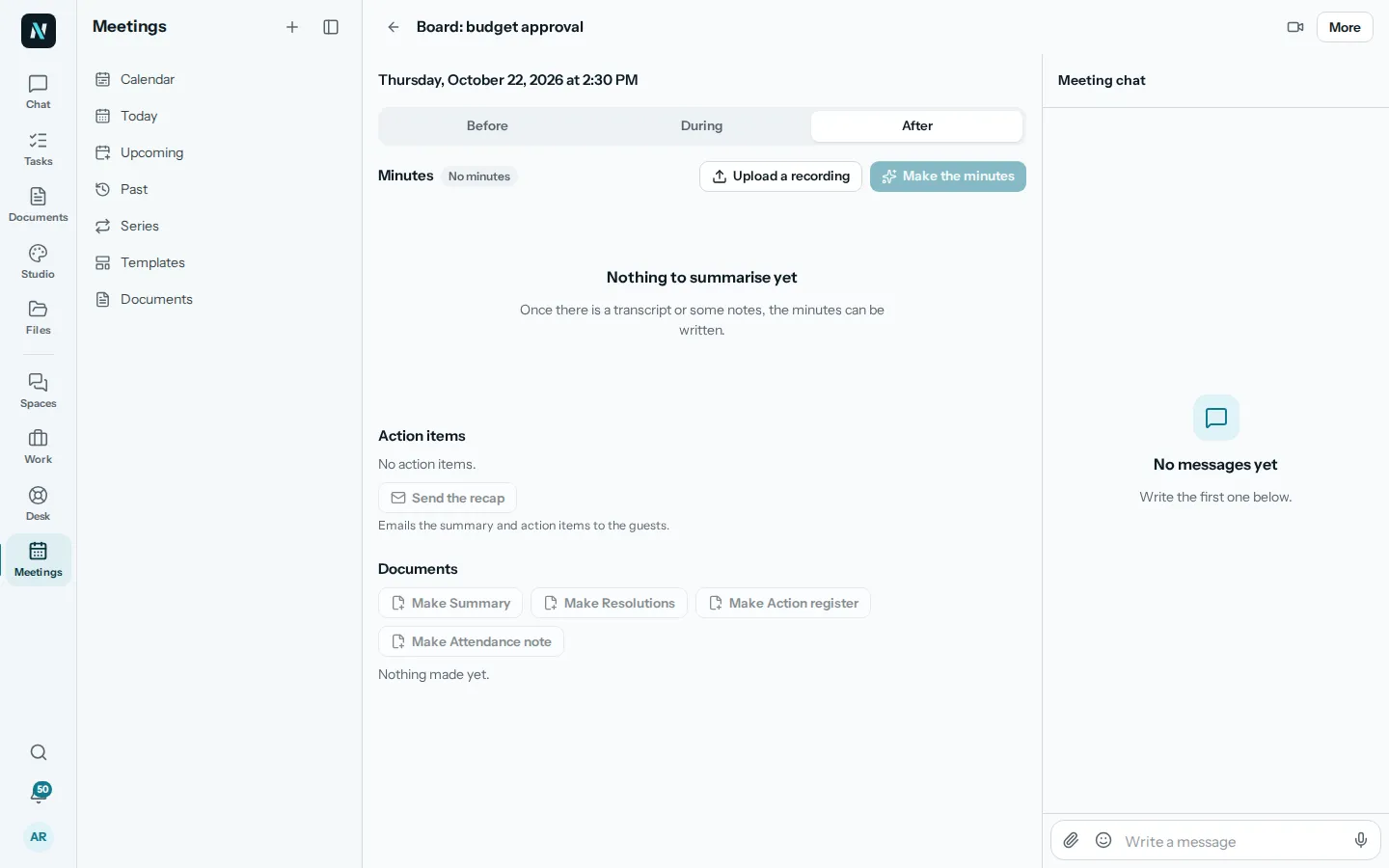
Meeting minutes with AI, without losing the plot
Take meeting minutes people trust with a meeting minutes template and AI: what to capture, what to check by hand, and decisions turned into tasks the same day.
People and evaluations5 min read
Onboard a new hire in the first 30 days
A week by week plan to welcome a new hire in a small company: before day one, the first week, goals, check ins and a survey at day thirty.
Teamwork6 min read
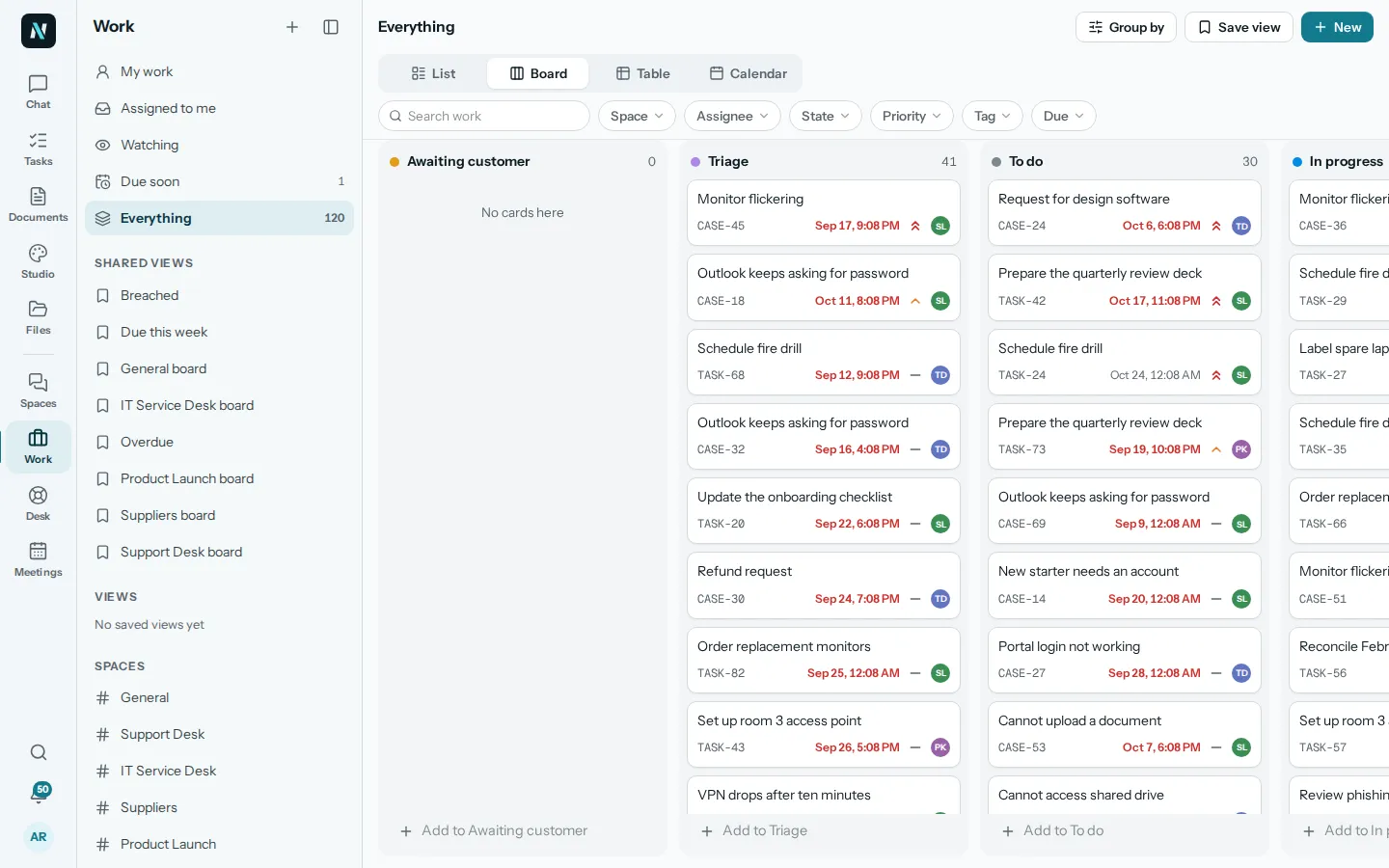
Project management without the overhead
A light way to run project management for a small team: one list, clear owners and dates, a weekly check and an honest status update.