Product, Email, Early access
The email written, and nothing sent until you say.
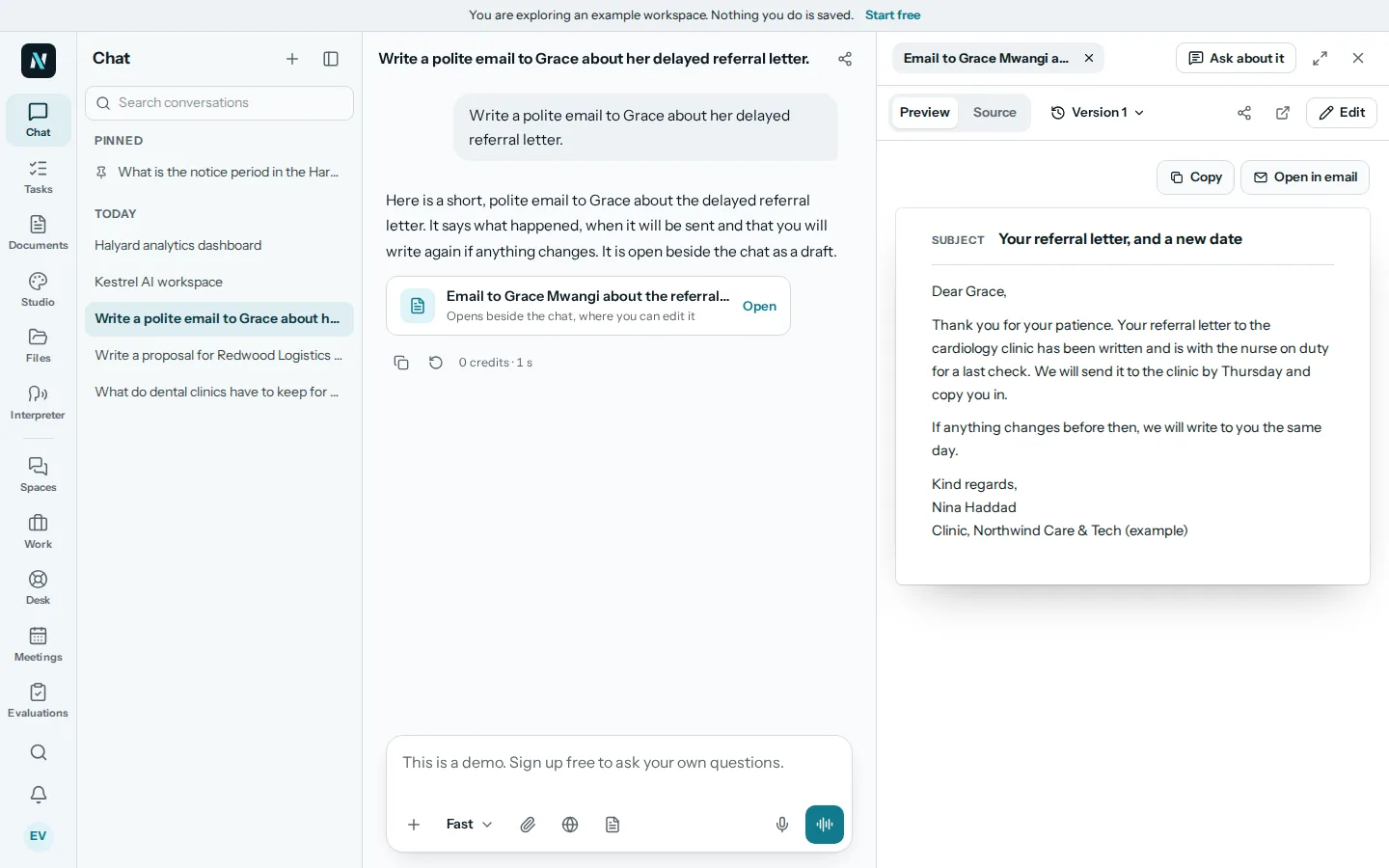
Tell nerix who the email is for and what it should say, or paste the one you received and ask for a reply. The draft opens beside the chat with To, Subject and the message. Change it in one click. Early access.
The free plan is one seat and 3,000 credits a month, never charged.
01Write
A draft with To, Subject and a message you can edit.
Choose Write an email, or Reply to an email and paste what you got. nerix writes the draft and opens it beside the chat. Every field can be edited in place, and each change is kept as a version you can go back to.
Where nerix could not know something, such as a date, it leaves a blank in double braces and counts the blanks for you. It will not send an email that still has one.
What nerix does here
- Write the email from a few words about who it is for and what it should say.
- Write a reply to an email you paste in.
02Change it
One click for the changes people ask for most.
Each button asks nerix for a new version, so the old one stays in the history. The change keeps the facts and the ask.
The changes are listed here. Translate offers a long list of languages and translates the subject too, keeping names, numbers and dates exact.
- ShorterCut it down. Keep the facts and the ask.
- LongerA little more detail and context, with no new facts.
- WarmerFriendlier, with the same facts.
- FirmerMore direct and still polite.
- More formalA more formal tone.
- Simpler wordsPlainer words and shorter sentences.
- Fix grammarSpelling, grammar and punctuation only. Nothing else changes.
- TranslateInto the language you choose, subject included.
03Send
Copy it, open it in your mail app, or send it from nerix.
Copy the email, open it in your own email app, or add an email account to nerix and press Send. The outbox shows how it went. Nothing is sent until you press Send.
Fix the blanks and check the addresses first: nerix tells you which address does not look right.
- CopyCopies the whole email.
- Open in email appOpens it in the mail app on your device.
- SendSends from an email account you added. The outbox shows the result.
- Check firstBlanks to fill and addresses that look wrong are shown before it goes.
04Questions
Questions
Is this finished?
It is early access. Writing, replying, one click changes, versions, copy and send work in the app today. It is new, so some things are still missing. Tell us what you need.
Does nerix send emails by itself?
No. A draft is only a draft. Nothing leaves until you press Send from an email account you added, or until you copy it or open it in your own email app.
Can it reply to an email I received?
Yes. Choose Reply to an email, paste the message, and say what you want to answer.
Does it make up details?
It is told never to invent names, dates, prices or promises. Where it needs one, it leaves a blank for you to fill, and it will not send while a blank is left.
Can it write in another language?
Yes. Write the request in your language, or ask for a translation. The subject is translated too.
Are there ready made emails?
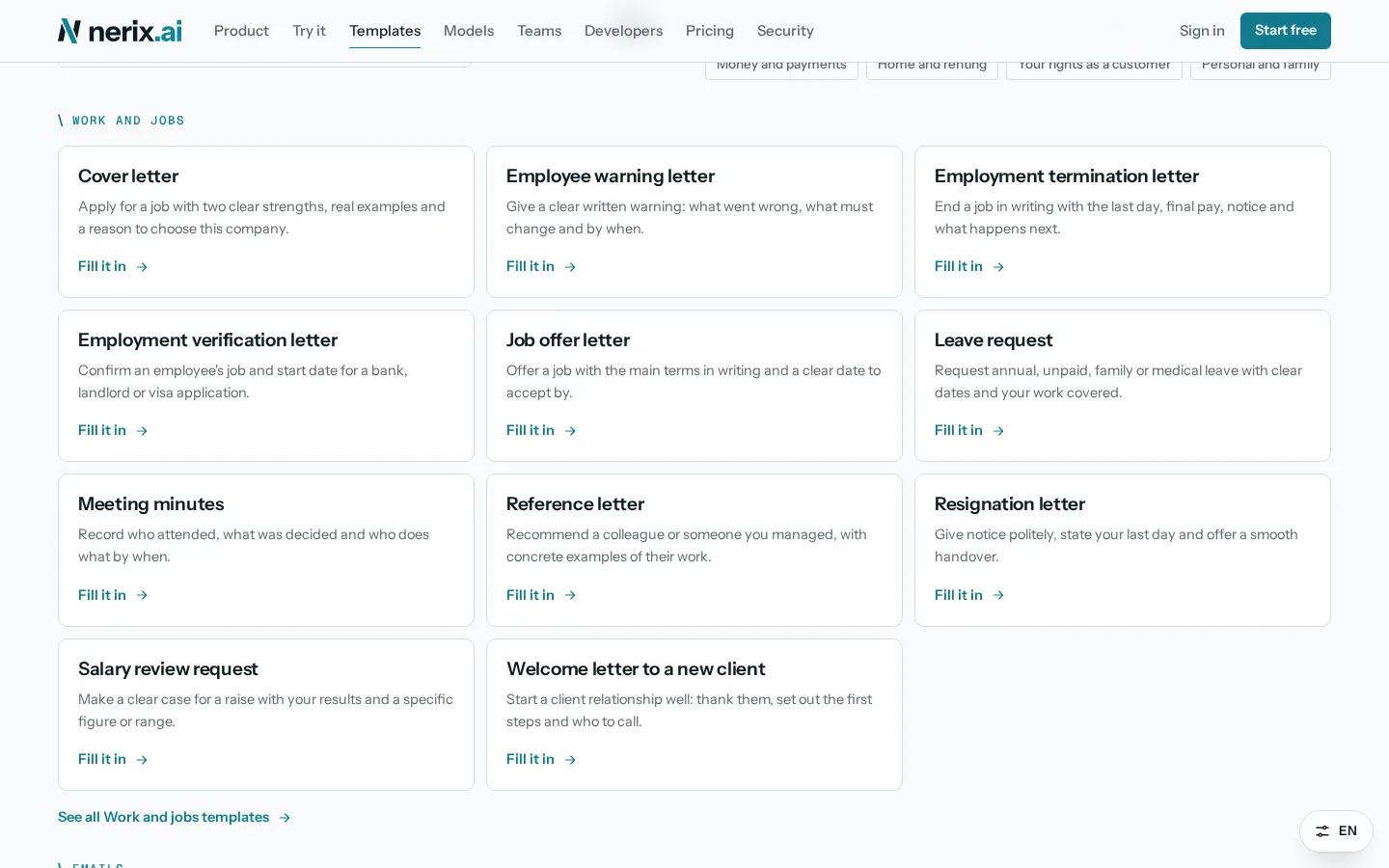
Yes. The Templates page has letters and emails you fill in with a short form, with no account.
Need something this does not do? We build it into your workspace. Built for you
- 01ChatAsk across everything you own, with every sentence sourced.
- 02Library and searchYour files read, given a passport, connected and searchable two ways.
- 03The SheetDocuments, procedures and handbooks with their figures, every version kept.
- 04WebsitesWebsites and web apps from a conversation, ready to rank.
- 05Tasks and projectsTasks, cases and projects as a list, a board, a table or a calendar.
- 06Long tasksResearch, documents and websites done in the background, inside a credit limit.
- 07Built for youFeatures, connectors and workflows we build into your workspace.
- 08InterpreterTwo people, two languages, one phone that speaks for both. Or just talk to nerix.
- 09DemosEverything you can try or watch: the example workspace, samples, templates and a free chat.
- 010PricingPlans and credits, in euros, monthly or yearly.
Learn more
Keep reading
Comparisons and alternatives5 min read
The best AI email writer for work
The best AI email writer compared: ChatGPT, Claude, Gemini, Grammarly and nerix. What each costs, where it works well and the limits to know first.
Documents and templates5 min read
Formal letters that get a reply and a result
How to write a formal business letter that gets a reply: the structure, the facts to include, how to ask for what you want, and when to send a demand letter.
Sales and contracts5 min read
A price increase notice that keeps your customers
How to write a price increase letter to customers: decide a fair rise, tell them early, explain the reason clearly and answer pushback. Template included.