Product, Work
Tasks, cases and projects in one place.
Everything your team has to do, with who owns it and when it is due. Type a task and press Enter, see it as a list, a board, a table or a calendar, and ask the assistant what is overdue.
The free plan is one seat and 3,000 credits a month, never charged.
01One list
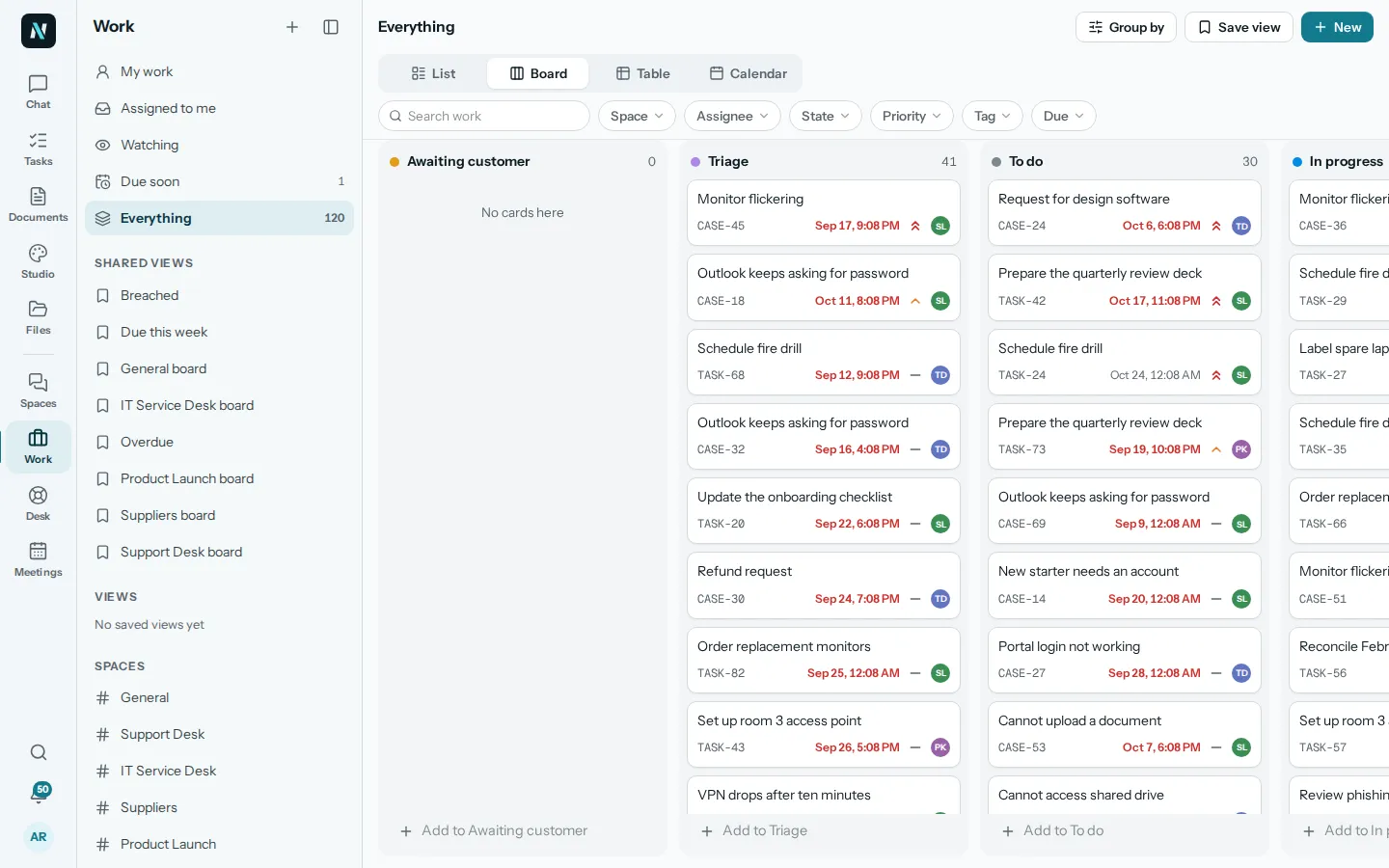
Tasks, cases and projects, found the way you think.
Work holds tasks, cases and projects, and tasks can sit inside a project. Open My work, Assigned to me, Watching, Due soon or Everything, filter by space, assignee, state, priority, tag or due date, and save a view to open again.
Add one fast: type a title in the box at the top and press Enter. Or use New for a task with its space, assignee, due date and priority.
What nerix does here
- Ask what is overdue for you and get the list, with a link to each item.
- Ask about tasks, cases and projects in plain words, and see only what you are allowed to see.
02Layouts
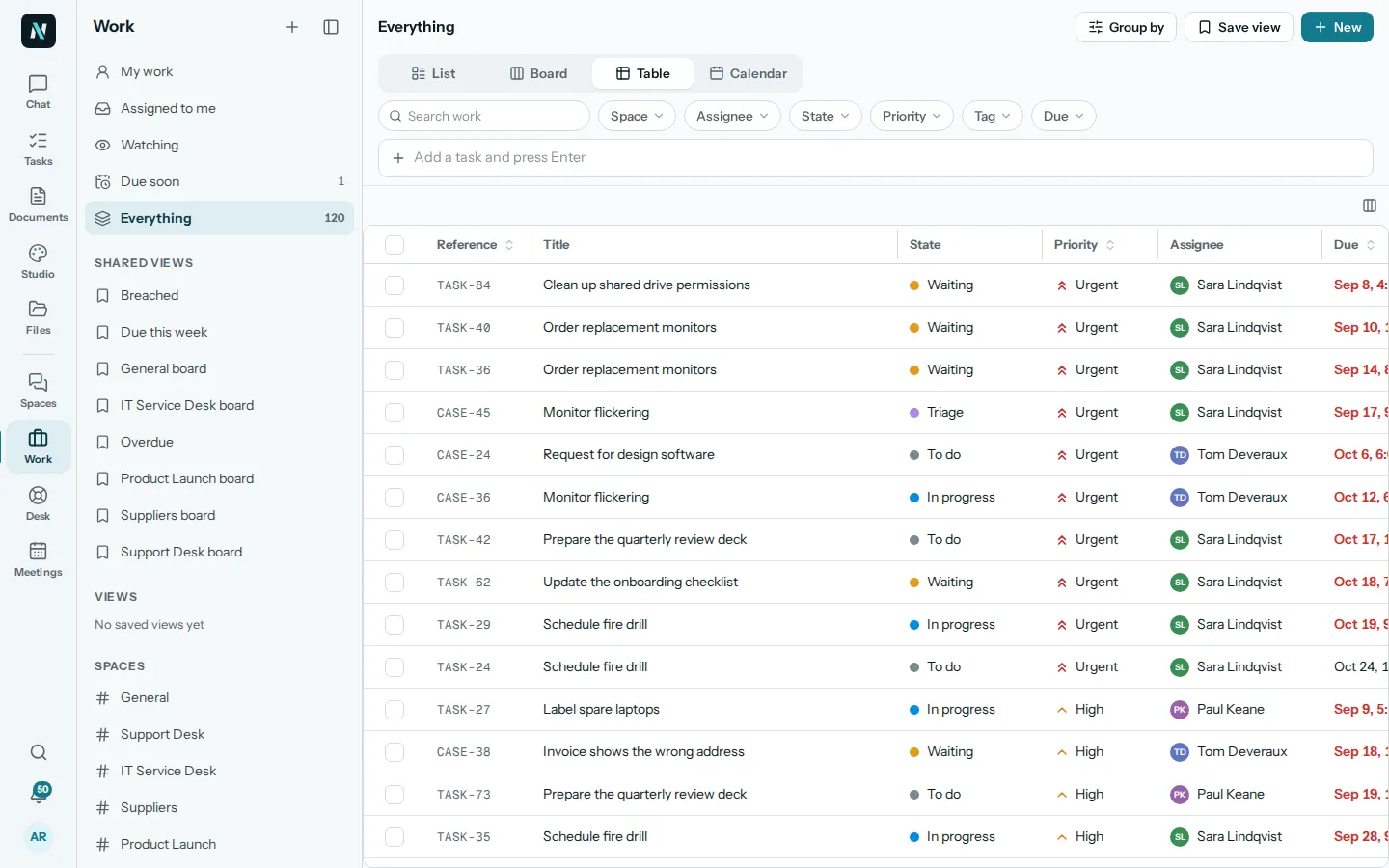
A board, a table or a calendar, from the same work.
Switch between List, Board, Table and Calendar without leaving the page, and group the list the way you want.
The calendar shows what is due each day, so a crowded week is easy to see.
What nerix does here
- Ask what is due tomorrow or this week and get the answer without opening a view.
- Keep the page for planning and the chat for quick questions.
03One item
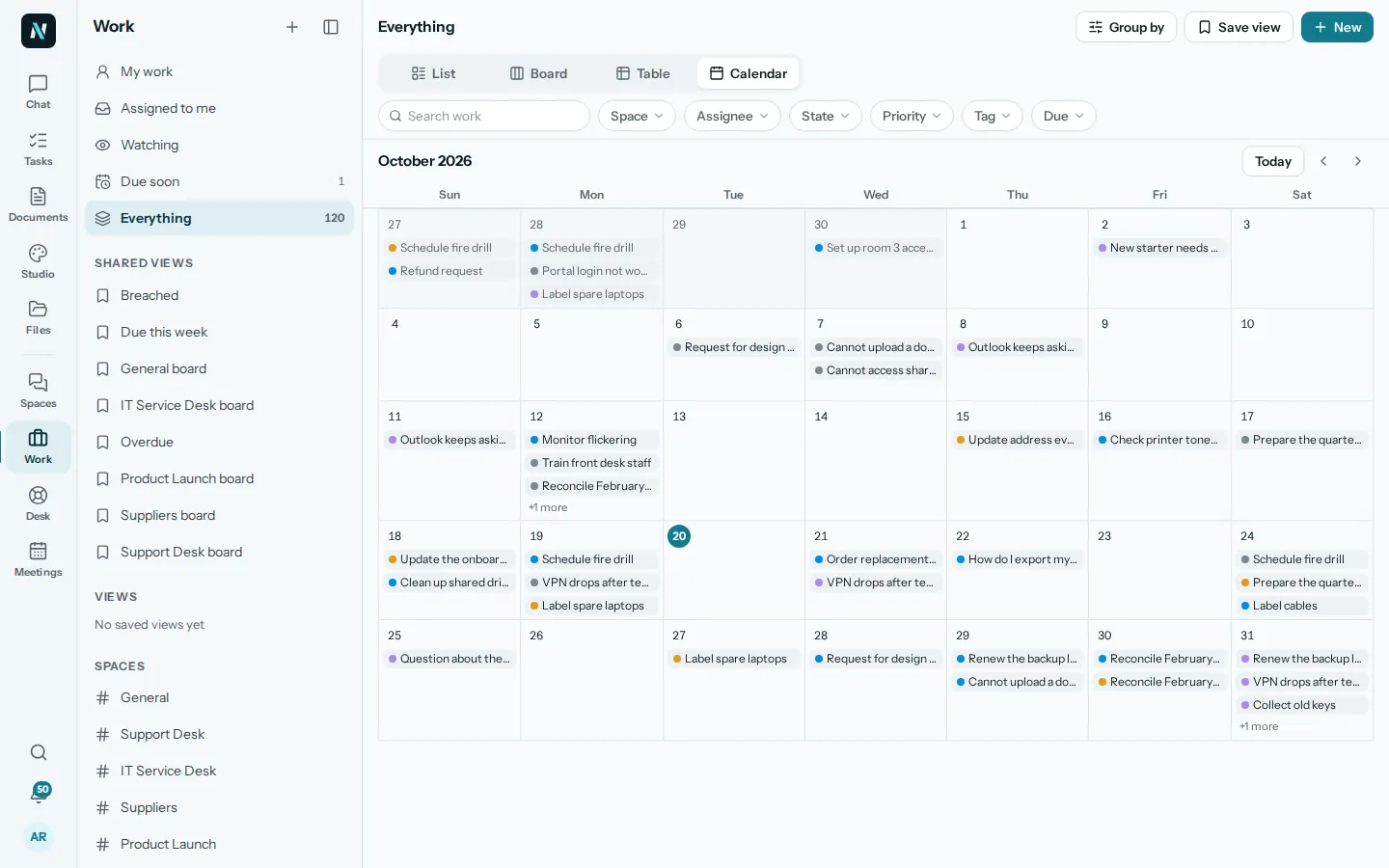
Everything about a piece of work, beside the list.
An item has a state, a priority, an assignee, dates, tags, a checklist, subtasks, links, attachments and comments. A space can name its own states, such as Triage, To do, Doing, Waiting and Done.
Watch an item to hear when it changes. Open it beside the list, or full screen when it needs room.
What nerix does here
- Turn a message in Spaces into a task with one command.
- Receive action items from a meeting as tasks, each with an owner and a due date.
04Rules
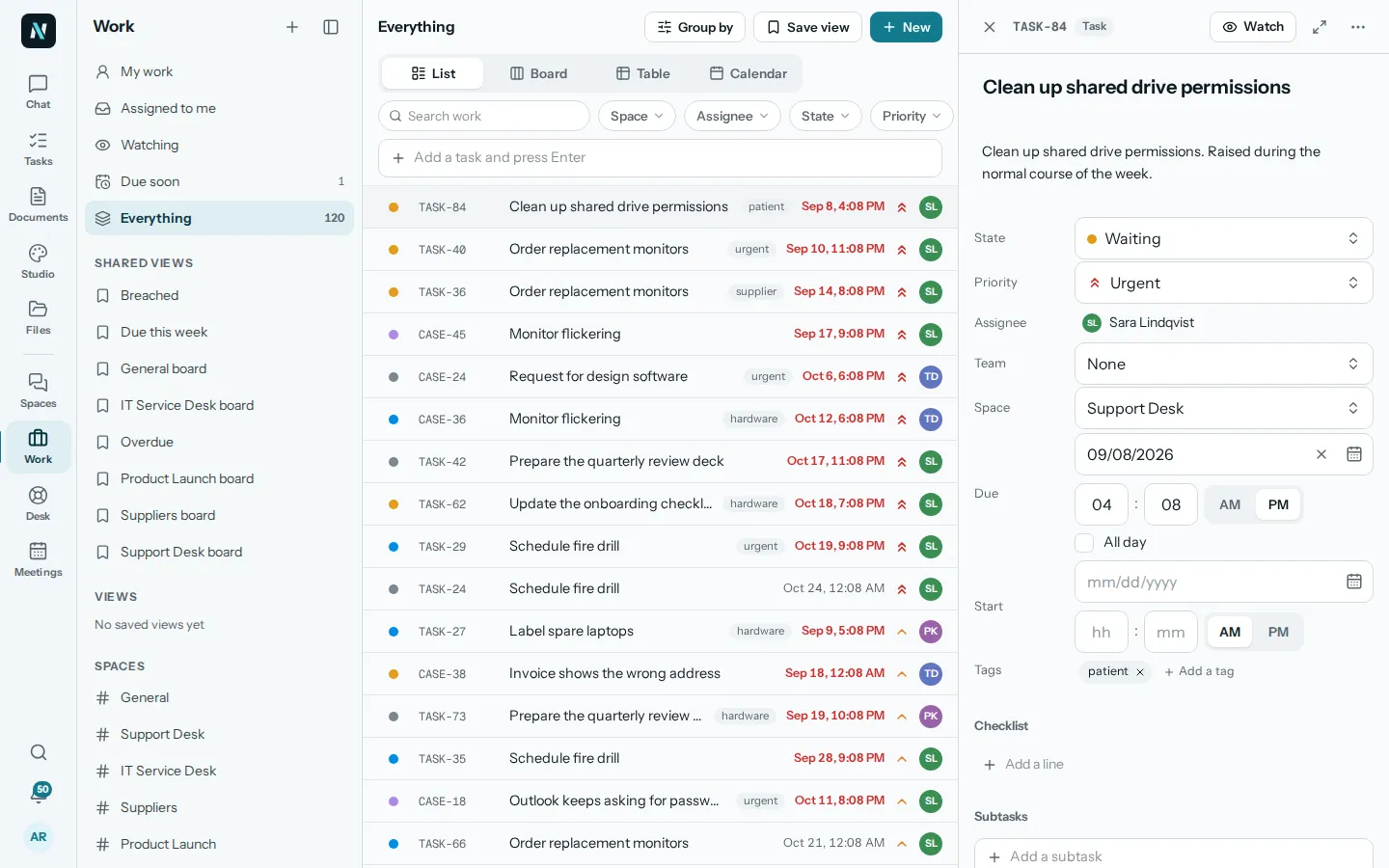
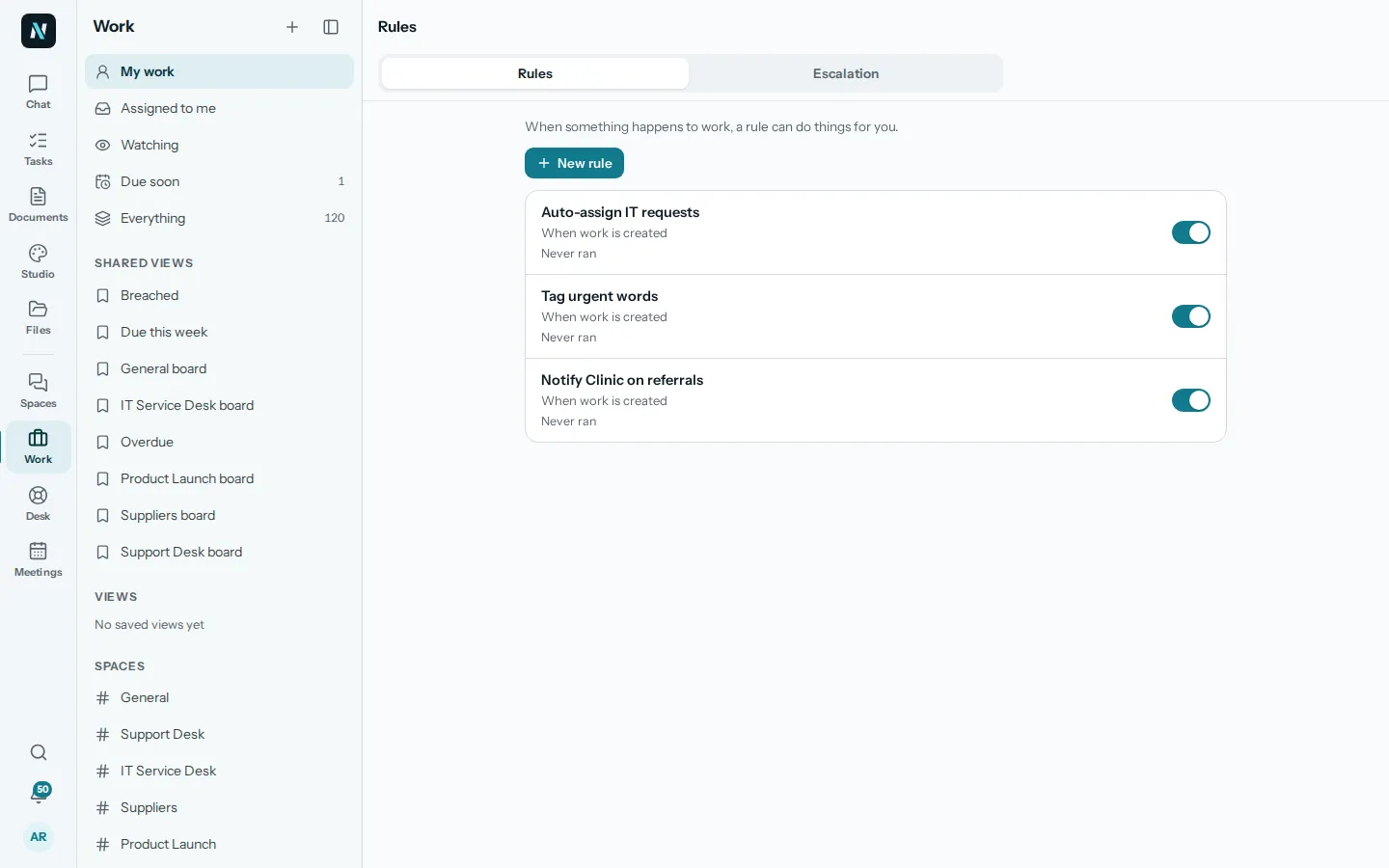
When something happens to work, a rule can act.
A rule watches for an event, checks the conditions and then acts. Escalation policies make sure something that is stuck reaches a person. The list of states, the extra fields and the saved views are set for your team in Work settings.
Action items from a meeting arrive here as tasks with an owner and a due date, and help desk requests are the same kind of item, so one place shows all of it.
What nerix does here
- Ask what is due or stuck, so you do not need to open every list to find it.
- Help desk requests are the same kind of item, so one question covers them too.
05Questions
Questions
What is the difference between a task, a case and a project?
A task is something to do. A case is a piece of work that comes in and must be handled, such as a customer request. A project holds tasks. They share the same fields, so you can see them together.
Can I see my work as a board or a calendar?
Yes. Every list can be shown as a list, a board, a table or a calendar.
Can I add my own states and fields?
Yes. A space can name its own states, and Work settings holds the fields, views and rules for your team.
Do action items from meetings land here?
Yes. They are filed as tasks with an owner and a due date when the minutes are made.
Can the assistant see all of my work?
It sees only what you are allowed to see, and a space can switch AI help off, in which case it sees nothing from that space.
Can you connect it to the tools we already use?
We build custom features, connectors and workflows for businesses. Tell us what you use on the Built for you page.
Need something this does not do? We build it into your workspace. Built for you
- 01ChatAsk across everything you own, with every sentence sourced.
- 02Team chatTeam chat in spaces and topics, where a message can become a task.
- 03Help deskA help desk with queues, macros, a portal and response targets.
- 04MeetingsAgenda, live notes, minutes and action items, filed as tasks.
- 05Built for youFeatures, connectors and workflows we build into your workspace.
- 06FeedbackFeedback: reviews, 360 feedback and surveys, sent by link, with anonymity that holds.
- 07ChecksAudit readiness from about 90 frameworks, checks on a plan, issues that become tasks and business reviews.
- 08DemosEverything you can try or watch: the example workspace, samples, templates and a free chat.
- 09PricingPlans and credits, in euros, monthly or yearly.
Learn more
Templates for this
Keep reading
Teamwork6 min read
OKRs for small teams, a plain guide
OKRs for small teams explained with examples: how to write objectives and key results, how many to set, how to check in weekly and what to avoid.
Teamwork5 min read
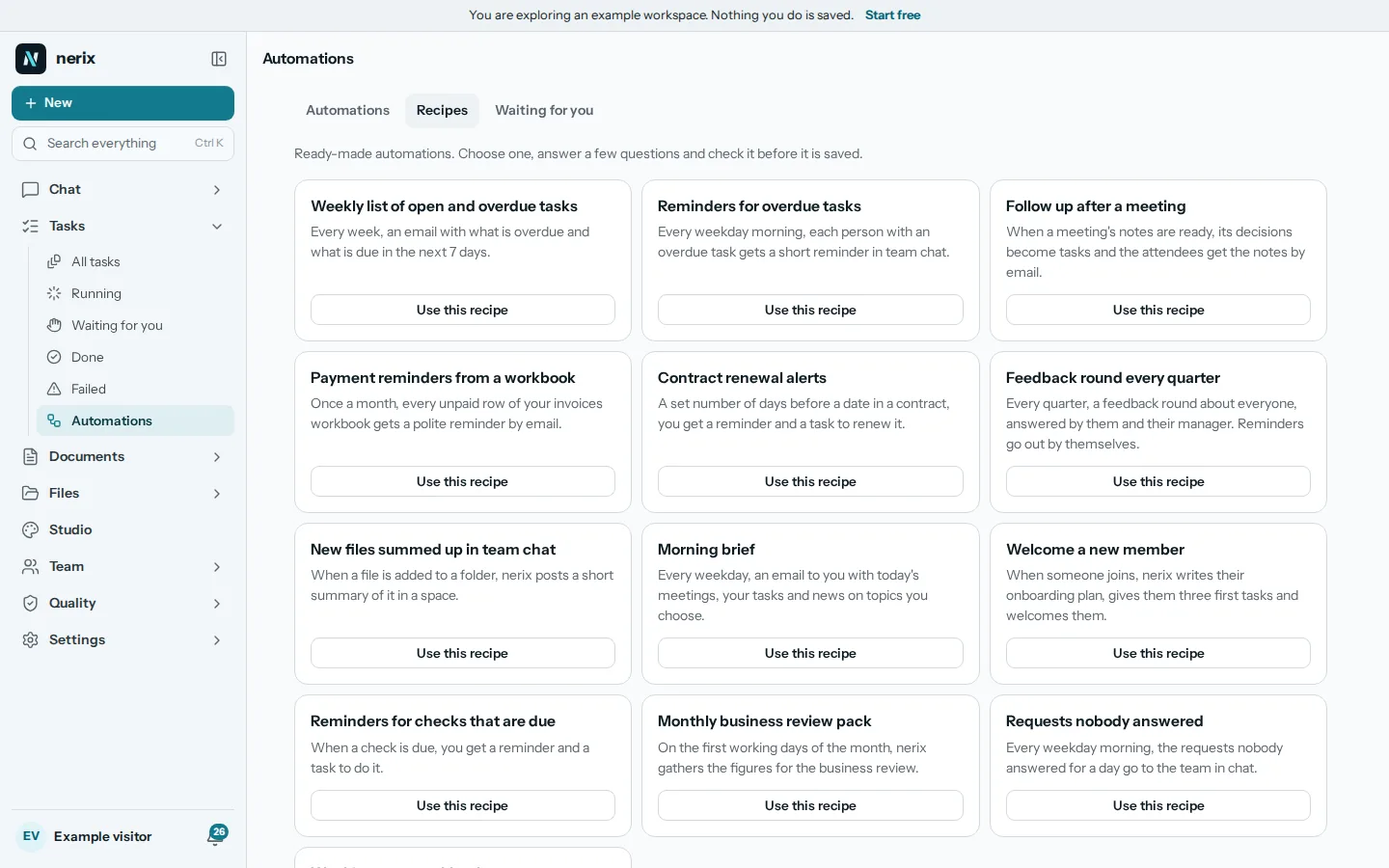
Workflow automation for a small business, what to automate first
Workflow automation for a small business: ten routines worth automating first, how to test one safely, and how to pick between Zapier, Make, n8n and others.
Comparisons and alternatives5 min read
The best HR software for a small business
What HR software for small business costs and does: BambooHR, Factorial, Humaans and Timetastic compared on price, time off, hiring and payroll.