Product, On your phone
The whole workspace, made to fit a phone.
Chat, documents, files and tasks on a screen 360 pixels wide, with buttons made for a thumb. Open nerix.ai in your phone's browser and add it to your home screen. There is nothing to install from a store.
The free plan is one seat and 3,000 credits a month, never charged.
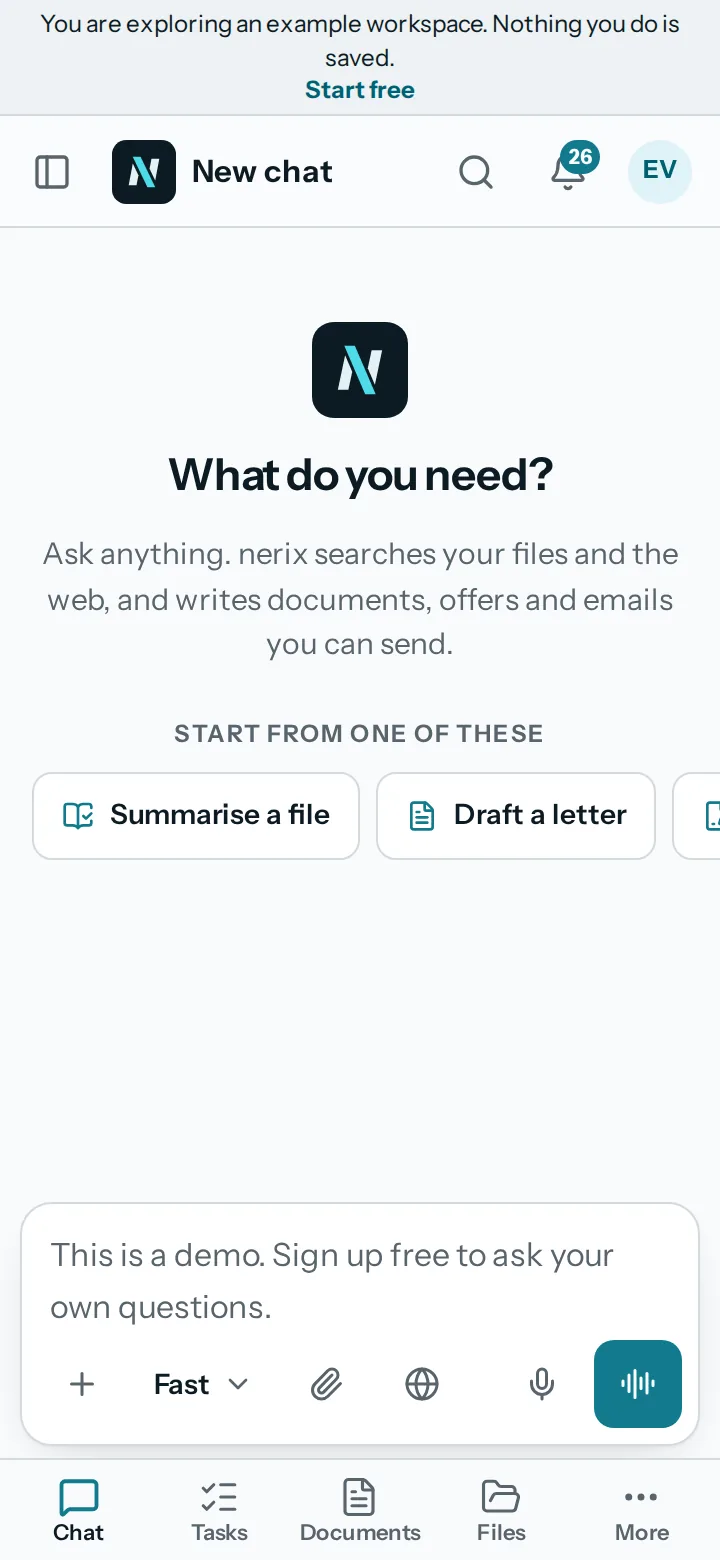
01Tabs and drawer
Five tabs, and your conversations one swipe away.
On a phone, the bottom bar has Chat, Tasks, Documents, Files and More. The button at the start of the top bar, or a swipe in from the edge, opens your conversations. Sheets open from the bottom and close by dragging down.
You can set the order of the phone tabs in Settings. Screens are designed for 360 pixels and checked at that width.
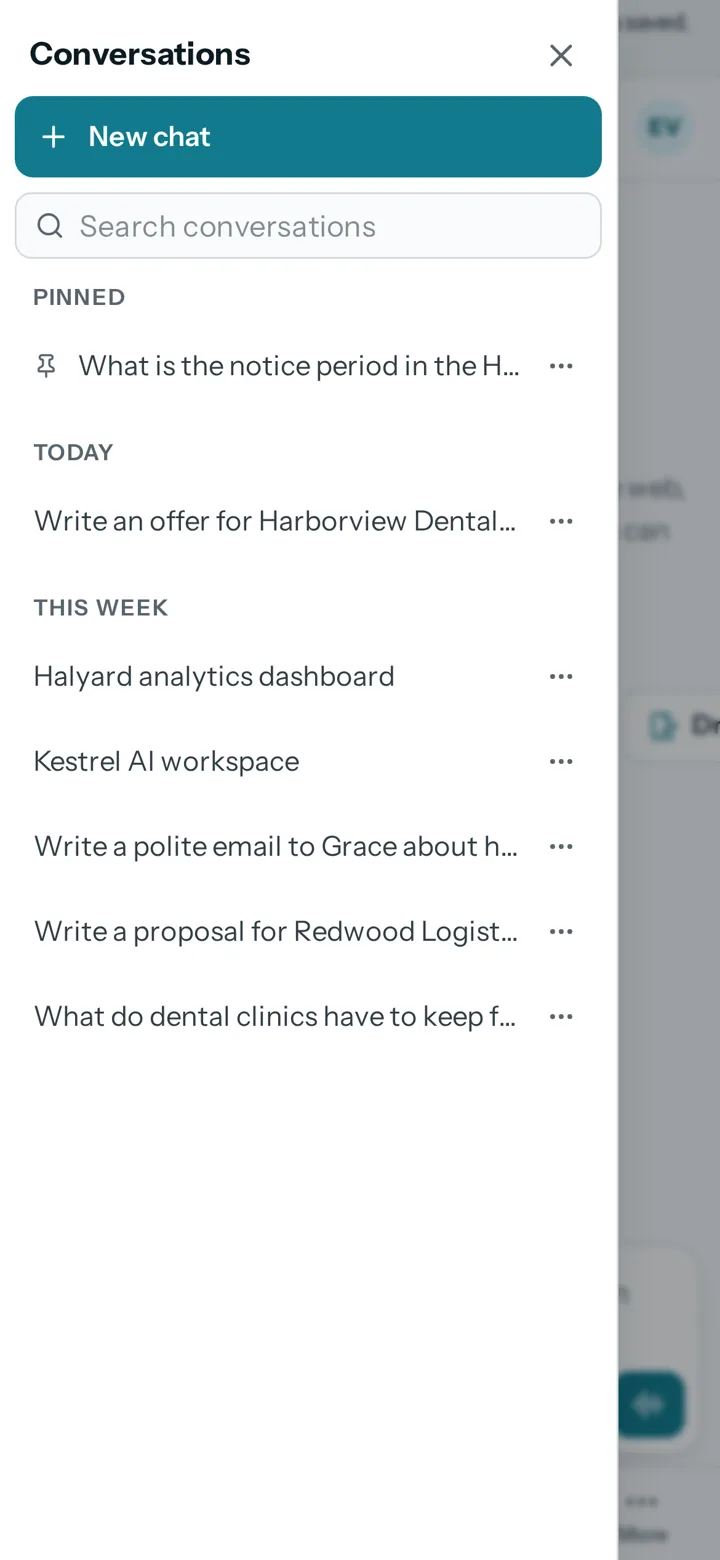
02Made for touch
Buttons you can hit, and forms that fit.
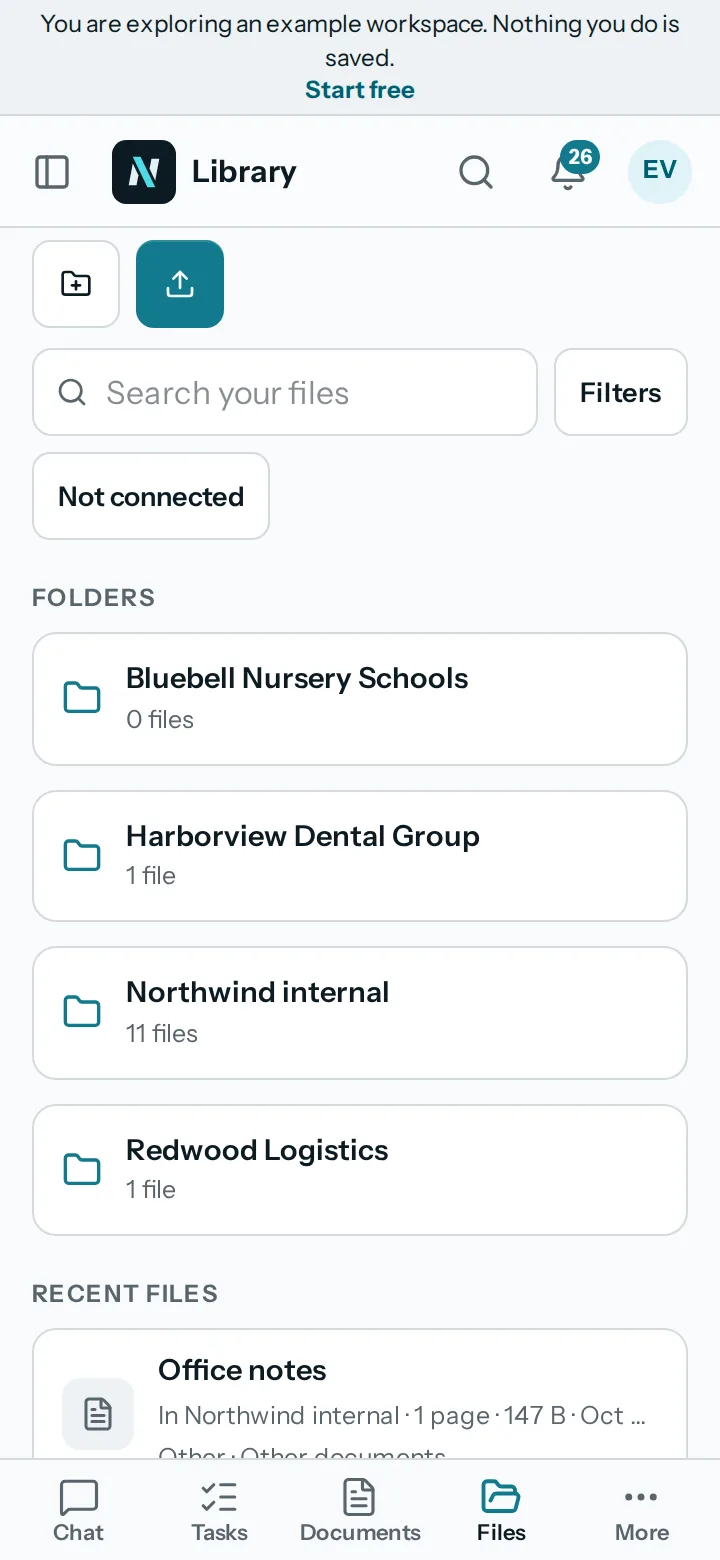
Buttons, tabs and menu items are at least 44 pixels tall on a touch screen, and the fields in forms are large enough to tap. Long lists, such as the library, show as cards you can scroll.
Dialogs that are wide on a desktop become full screen sheets on a phone. The microphone is asked for the first time you use it, with a sentence saying why.
03Install it
Open it in the browser and add it to your home screen.
nerix is a web app. In your phone's browser, use the menu to add it to your home screen, and it opens like an app, full screen. Sign in with your email and password or a passkey.
Native apps for the app stores are not available yet. Plans, credit packs and add-ons are managed on the web. If a person runs out of credits, they ask the workspace owner.
- Add to home screenFrom your browser's menu. It opens full screen.
- Sign inEmail and password, or a passkey.
- Not in the stores yetNo iPhone or Android store app is published.
04Offline and slow
Plain messages when the connection goes.
When the connection drops, the app tells you in plain words instead of showing a blank screen, and what you were writing stays on the page. Anything that runs in the background, such as a long document, keeps running on the server while you are away.
Documents, answers and searches need the internet, because nerix reads your files and asks a model on the server.
- Background workLong documents and automations keep running on the server when you close the page.
- Needs a connectionAnswers, searches and files are on the server.
05Questions
Questions
Is there an iPhone or Android app?
Not in the app stores yet. Open nerix.ai in your phone's browser and add it to your home screen, and it opens full screen like an app.
Does it work offline?
No. Your files and the AI are on the server, so you need a connection. If it drops, nerix says so in plain words, and work running on the server carries on.
Can I do everything on a phone?
The places are the same as on a desktop, built for touch. Some long forms and tables are easier on a large screen.
Can I talk to nerix on my phone?
Yes. Talk with your voice and the Interpreter are made for a phone. The microphone is asked for the first time you use it.
Need something this does not do? We build it into your workspace. Built for you
- ChatAsk across everything you own, with every sentence sourced.
- InterpreterTwo people, two languages, one phone that speaks for both. Or just talk to nerix.
- Library and searchYour files read, given a passport, connected and searchable two ways.
- Tasks and projectsTasks, cases and projects as a list, a board, a table or a calendar.
- All productsEvery nerix product in one list.