Product, Long tasks
Hand it the work, not only the question.
Some jobs take more than one answer: research across many sources, a long document, a website, a compliance check. Describe the result you want, set the most it may spend, and nerix works on it in the background while you do something else.
The free plan is one seat and 3,000 credits a month, never charged.
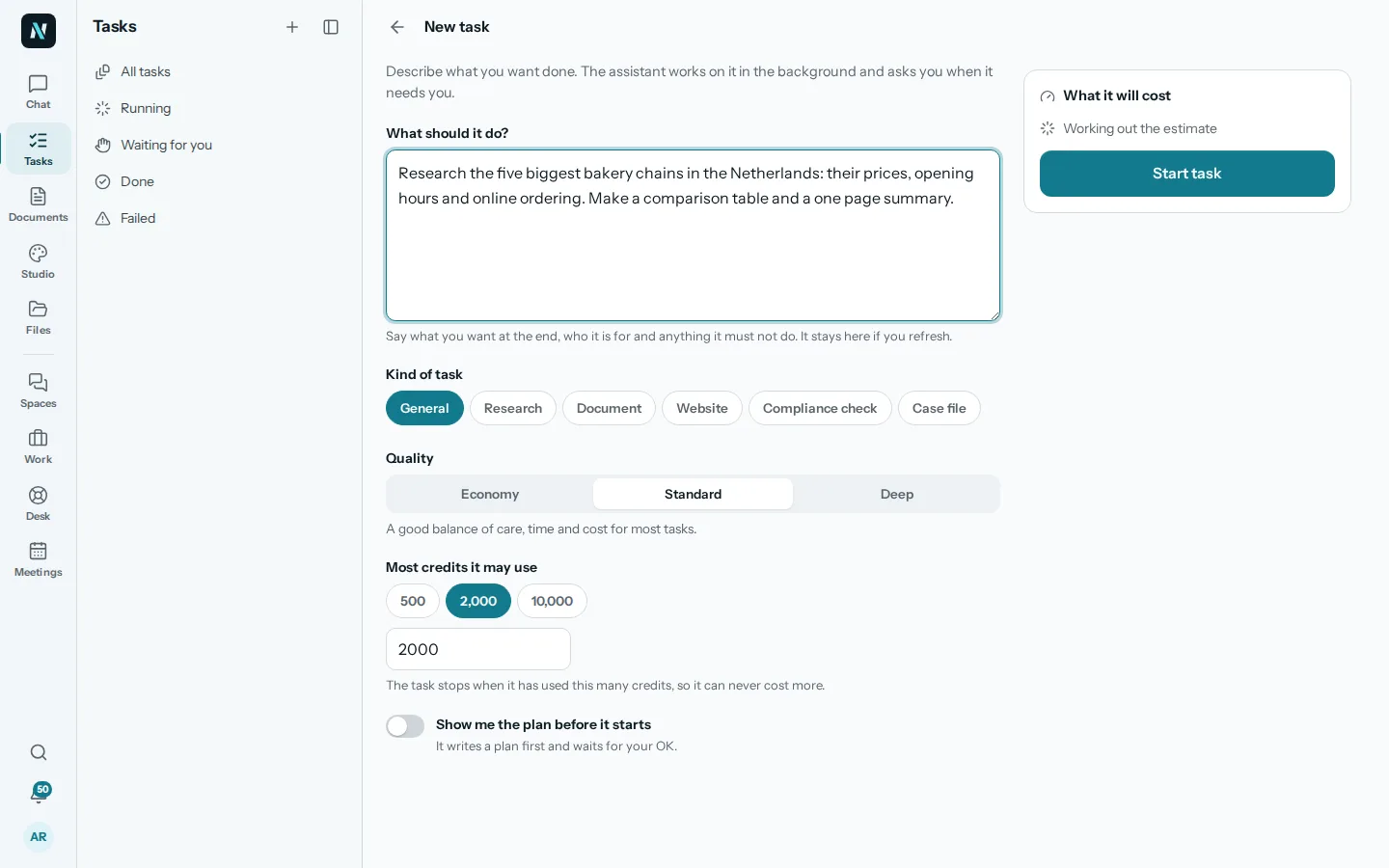
01Any kind of work
Say what you want at the end.
Write the outcome in plain words: who it is for, what it must contain and anything it must not do. Pick the kind of task so nerix uses the right tools for it.
Quality sets how much care it takes: Economy for a quick pass, Standard for most work, Deep when it has to be thorough.
- GeneralAnything that takes several steps: gather, compare, write, check.
- ResearchMany sources read and weighed, with every claim linked to where it came from.
- DocumentA long proposal, report or policy written, checked and made ready to download.
- WebsiteA site planned, designed, built and checked in a real browser, ready to publish.
- Compliance checkYour documents read against a standard such as ISO, HKZ, NEN 7510 or GDPR.
- Case fileThe documents of one matter read, sorted and summarised, with drafts where asked.
02In the background
It keeps working when you close the app.
A task runs on our servers, not in your browser, so you can close the tab, switch devices or go home. Follow it live when you like: each step, what it read and what it made.
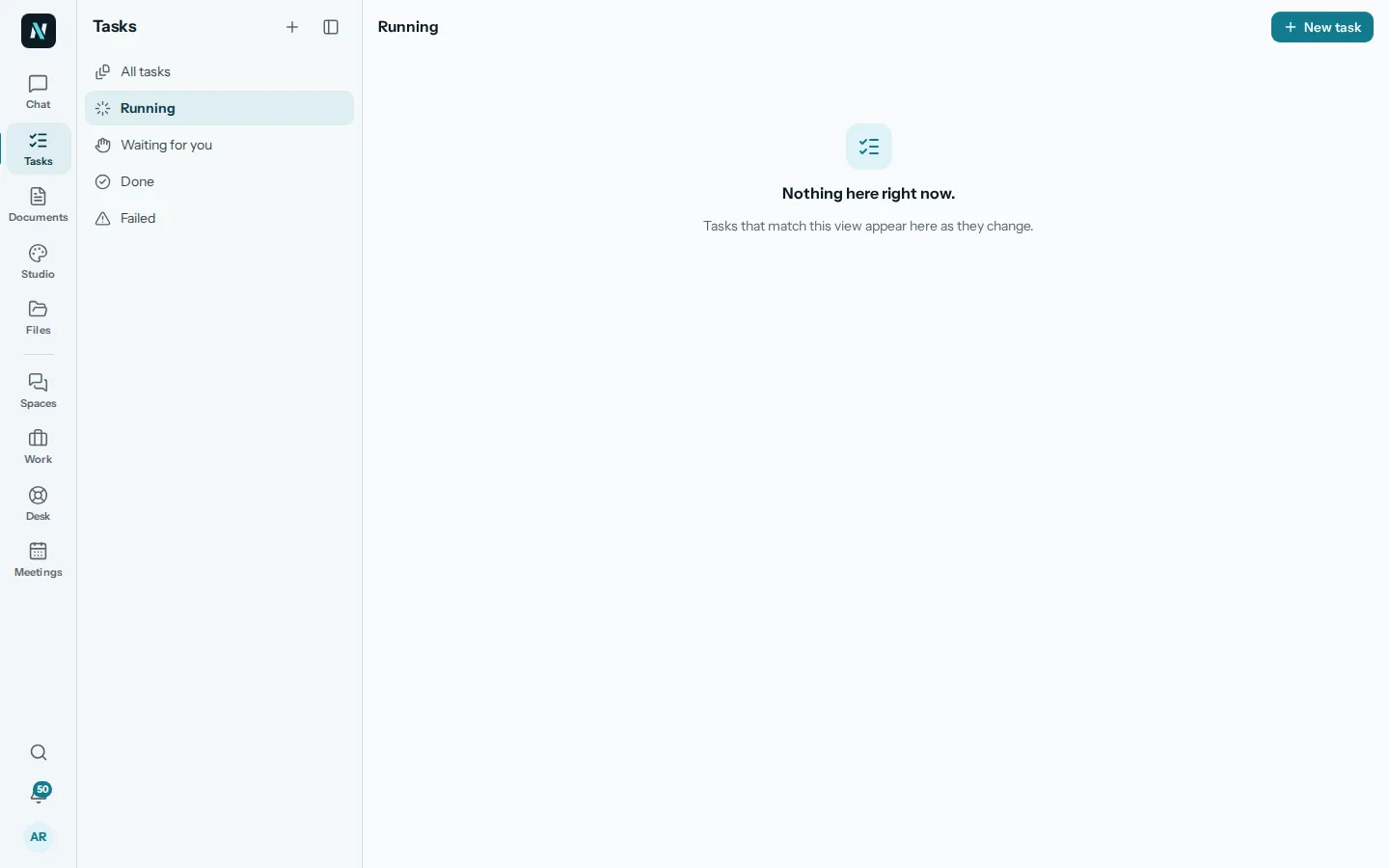
When it needs you, a question or an approval, it says so under Waiting for you and in the bell, and carries on the moment you answer.
03You stay in control
A limit it cannot pass, and a plan when you want one.
Before it starts you see what it is likely to cost. Most credits it may use is a hard stop: the task ends there, so it can never cost more than you allowed.
Turn on Show me the plan before it starts and it writes its plan first and waits for your OK. Pause, resume or cancel at any time.
- EstimateWhat it is likely to cost, shown before you start it.
- Credit limit500, 2,000, 10,000 or your own number. The task stops there.
- Plan firstIt writes a plan and waits for your OK before doing the work.
- Waiting for youQuestions and approvals in one list, and in the bell.
- Pause and cancelStop it for now, carry on later, or end it.
04Questions
Questions
What is a long task?
Work that takes minutes or hours instead of one answer: research, a long document, a website, a compliance check or a case file. You describe the result and nerix does the steps in the background.
Can it really not cost more than my limit?
Yes. Most credits it may use is a hard stop. When the task reaches it, it stops and keeps what it has made so far.
Do I have to keep the app open?
No. It runs on our servers. Close the app and come back later, or follow it live on another device.
Can I check its plan first?
Yes. Turn on Show me the plan before it starts and it waits for your OK.
Can it work on a schedule or start by itself?
A task itself is started by you. Automations run steps on a schedule or when something happens, and they ask for your yes before anything reaches other people. See Automations.
What can a task read?
Only what the person who started it may read: their workspace's files, the web when allowed, and what they attach.
Need something this does not do? We build it into your workspace. Built for you
- 01ChatAsk across everything you own, with every sentence sourced.
- 02Library and searchYour files read, given a passport, connected and searchable two ways.
- 03The SheetDocuments, procedures and handbooks with their figures, every version kept.
- 04WebsitesWebsites and web apps from a conversation, ready to rank.
- 05Tasks and projectsTasks, cases and projects as a list, a board, a table or a calendar.
- 06Built for youFeatures, connectors and workflows we build into your workspace.
- 07InterpreterTwo people, two languages, one phone that speaks for both. Or just talk to nerix.
- 08Email draftsEmails and replies written for you, changed in one click, sent when you say.
- 09DemosEverything you can try or watch: the example workspace, samples, templates and a free chat.
- 010PricingPlans and credits, in euros, monthly or yearly.