Zum Inhalt springen

Expense tracking for small teams

Expense tracking for small teams made simple: write a short policy, capture receipts at once, approve claims quickly and choose a tool that fits your size.

Das nerix-TeamVeröffentlicht 5 Min. Lesezeit

In diesem Leitfaden

Expense tracking for small teams is knowing what was spent, by whom, for what, with proof, and that someone approved it before it reached the books. Three habits make it work: a short written policy, receipts captured the moment they exist, and approval within days, not months. This guide shows how to set that up with a sheet, then how to choose a tool when the sheet starts to hurt.

Start with a one page policy

People spend carefully when they know the rules, and are annoyed when rules appear after the fact. Write a page that answers:

  1. What can be claimed. Travel, meals with clients, software, supplies, training. Say what cannot, such as fines or personal items.
  2. Limits. A daily meal limit, a hotel limit, and the amount above which you want approval before the purchase.
  3. Proof. A receipt for everything above a small amount. The tax invoice, not only the card slip, where that is what your tax office wants.
  4. Timing. Claims within 30 days, say, so the books can close.
  5. Who approves. Normally the person's manager. Nobody approves their own claim.
  6. How you pay back. Which day, to which account.

Our expense policy template is a starting point, and the expense report template gives people one format to fill in.

Capture receipts at once

Lost receipts are the biggest practical problem. Paper fades and gets left in jackets. Fix it with one rule: photograph the receipt the same day. A phone photo, in a shared folder or an expense tool, is enough in many countries. Ask your accountant to confirm for yours.

For each expense, record the date, the amount and currency, the supplier, what it was for, and the project or customer if you charge it on. Foreign currency expenses need the rate you used. Write the purpose in plain words, because "lunch" tells an auditor nothing, while "lunch with the customer to discuss the renewal" does.

The claim flow

A good flow has five stops, and a status at each:

  1. Not sent. The person is still filling it in.
  2. Waiting for approval. Sent to the approver.
  3. Approved or sent back with a reason so the person can fix it.
  4. Paid back, with the date.
  5. Posted to the books, under the right account.

Put a time limit on each stop. A claim that sits waiting for two weeks teaches people not to claim.

Sheet or tool

A sheet is fine for a team of three to five with a few claims a month. Use one tab per month, one row per expense, and a folder of receipts named by date. It stops working when:

  • Receipts and rows no longer match.
  • Approvals happen in chat messages nobody can find.
  • You spend a day each month typing amounts into the books.
  • Mileage and per diems are calculated by hand.
  • You need to show an auditor who approved what.

At that point a tool pays off. Here is what some cost, checked on the vendors' own pages on 1 November 2026:

Tool Free plan Paid plans
Zoho Expense Up to 3 users, 5 GB receipt storage, 20 receipt scans per user a month Standard $4 per user a month, $3 billed yearly. Premium $6, or $5 billed yearly
Expensify Check its pricing page Plans differ by team size and features

Prices change and differ by currency, so look at the page before you decide. Ask any vendor: Can I export all claims and receipts? Can approvers work from a phone? Does it handle mileage rates and foreign currency? Does it connect to my accounting tool? What does a person cost when they only submit one claim a quarter?
Common problems and fixes

  • Claims arrive in a bunch at year end. Ask for claims monthly and close the month.
  • Personal and business money mixed. Use a company card or account for business costs.
  • Duplicates. The same receipt is claimed on a card statement and by a person. Match against the bank statement each month.
  • Vague descriptions. Make the purpose a required field.
  • No limit on what a manager can approve. Set an amount above which a second person signs.
  • Staff paying for the company out of pocket for weeks. Pay back on a fixed day. If a person lends money to the business without being paid back fast, trust drops.

Expenses in nerix

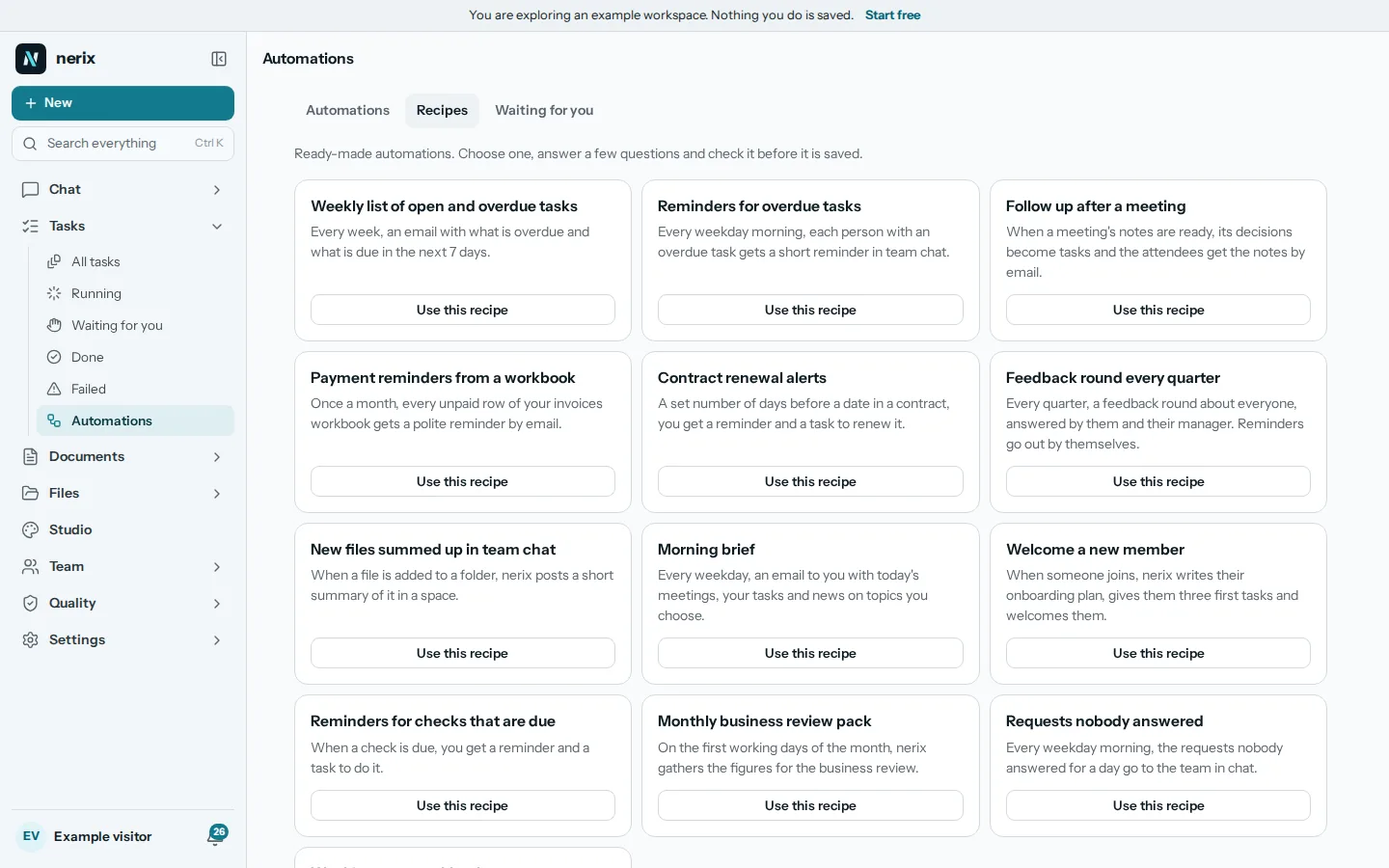
On Business workspaces, nerix has an Expenses place. A person writes a few words on what the claim is for, then takes a photo of the receipt. nerix reads it into a draft, and the person checks the details and fixes them by hand if needed. A claim can also be added by hand or as a trip by car, where distance is multiplied by the rate. A receipt is required above a set amount. The claim can be saved for later or sent for approval.

Approvers see a To approve list, and can approve or send back with what to fix. After that the claim is marked paid back with a date. That is only a note that someone paid, since nothing is paid from nerix. Approved claims post to the Money place if you use it. A person sees only their own claims, and the receipt reading never approves or pays anything: an unclear receipt is flagged "We are not sure about this one". The Money page and People page describe the rest, and Pricing lists the plans.

If staff costs go through payroll, see how it fits in our guide to payroll for a small business, and for the books themselves read bookkeeping basics for small business.

A worked example

A team of six travels to a customer. One person pays for the train tickets and a taxi, another pays for lunch with the customer. On the same day each takes a photo of the receipt and writes the purpose: "train to customer workshop" and "lunch with the customer to plan the renewal". Both send their claims on Friday. The approver, their manager, sees the amount, the photo and the purpose, approves one and sends the other back because the lunch receipt does not show the total. The person fixes it on Monday, it is approved, and on the fixed pay back day on the 15th both are paid. At month end the accountant gets the approved claims with their receipts and posts them. No one searched through jackets, chat messages or bank statements.

The short version

Expense tracking for small teams needs a one page policy, a photo of every receipt on the day, and an approver who answers within days. Use a sheet while claims are few and a tool when receipts or approvals go missing. Pay people back on a fixed day and make sure nobody approves their own claim.

Fragen, die Leute stellen

Do I need to keep receipts for every expense?
Most tax offices want proof for business expenses, and a photo of the receipt is accepted in many countries. Rules on how long to keep them and whether a photo is enough differ, so check with your accountant.
Should staff pay with their own money or a company card?
A company card keeps personal and business money apart and avoids pay backs. Own money works for small, occasional costs if you pay claims fast. Either way, the same policy and receipts apply.
What is a per diem or mileage rate?
A fixed amount per day for meals, or per distance driven, instead of claiming each receipt. Tax offices often publish accepted rates, so use theirs unless you have a reason not to.
When does a spreadsheet stop being enough?
When claims arrive faster than one person can check them, when receipts get lost, or when you have to explain to an auditor how a claim was approved.

Leitfaden teilen

Vorlagen dazu

Füllen Sie eine online aus und laden Sie sie als Word oder PDF herunter. Kostenlos, ohne Konto, und was Sie eingeben, bleibt in Ihrem Browser.

  • Spesenrichtlinie

    Sagen Sie Ihren Beschäftigten, welche betrieblichen Kosten sie geltend machen können, welche Grenzen gelten und wie sie erstattet bekommen.

  • Spesenabrechnung

    Tragen Sie die Geschäftskosten ein, die Sie selbst bezahlt haben, mit Daten und Beträgen, und bitten Sie um Erstattung.

In nerix

Probieren Sie es an Ihrer eigenen Arbeit aus.

nerix schreibt den ersten Entwurf, antwortet aus Ihren Dokumenten und nennt für jeden Satz die Seite, von der er stammt, und hält die Arbeit des Teams an einem Ort zusammen. Starten Sie mit dem kostenlosen Tarif.

Weiterlesen