Team chat starts as a relief and turns into a burden. At first, everyone is in one place and answers come quickly. A year later, the important decision is buried under four hundred messages, people scroll to catch up on what they missed, and the question "where did we agree that?" has no answer.
The problem is not chat. It is chat being asked to do jobs it is bad at: storing decisions, tracking tasks and acting as a filing cabinet. This guide is about using chat for what it is good at, and keeping the work itself in one place.
What chat is good at, and what it is not
Chat is excellent for:
- Quick questions that need a fast answer.
- Coordination: "I am running ten minutes late", "who has the key?"
- Social contact, which matters in teams that are not in the same room.
- Getting attention for something urgent.
Chat is poor at:
- Remembering. Messages scroll away.
- Deciding. A decision halfway down a thread is easy to miss.
- Assigning. "Can someone look at this?" usually means nobody does.
- Storing documents. Files shared in chat become impossible to find.
The practical lesson: use chat to talk, and move the results of the talk somewhere durable.
Structure that helps: spaces and topics
A flat stream of messages mixes everything. A little structure helps a great deal.
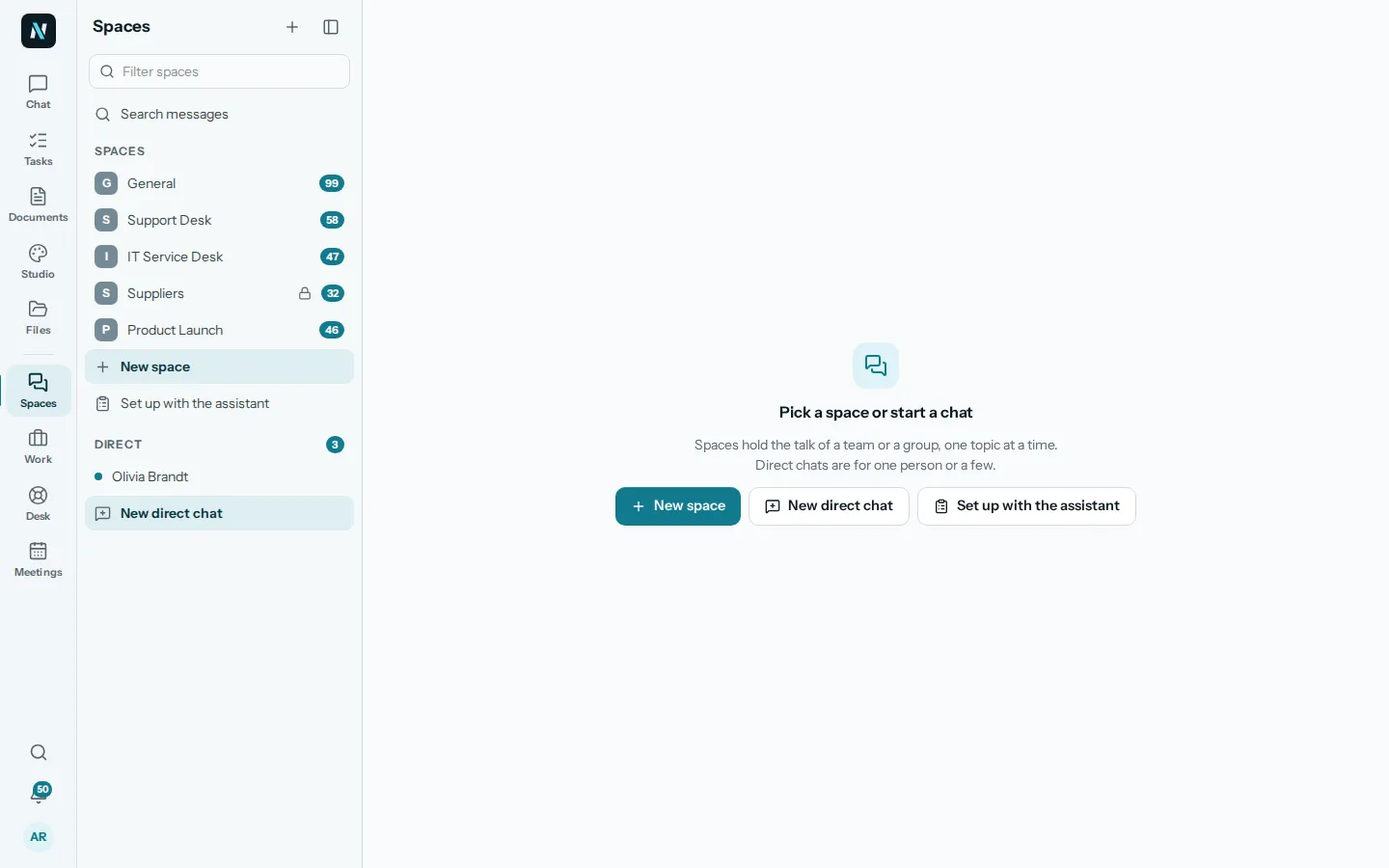
In nerix, Spaces hold a team's talk, one topic at a time. A space can be a team, a project or a function, such as General, Support or Product Launch. Inside a space, each topic is its own conversation with a title, so a question about the price list does not get lost among a discussion of the holiday rota. Every space starts with a General topic, and you can start a new topic with a title and a first message when a new subject begins.
Direct chats are for one person or a small group, up to twenty people, for talk that does not belong to a space.
Some guidelines for a small team:
- Start with few spaces. A general one, one for each real project or function, and that is it.
- One subject per topic. If the subject changes, start a new topic.
- Name topics so you can find them. "Price list November" beats "Question".
- Archive what is finished. A space for a project that ended just adds noise.
Choose who sees what
Not every conversation belongs to everyone. In nerix, a space can be Open, so everyone in the workspace can see it, or Private, so only its members can. A Restricted space is stricter still: only its members can see it, and even admins must log a reason to look. Guests, people outside your team such as a contractor or a client, see only the spaces and topics they are added to, not the rest of the workspace.
Be deliberate about this early. It is easier to start private and open up than the other way round, and a sensitive discussion in the wrong place is hard to take back.
Turn decisions into tasks
The most useful habit for a team is simple: when something is decided in chat, it leaves chat. A decision with an owner and a date becomes a task. A decision without them is a good intention.
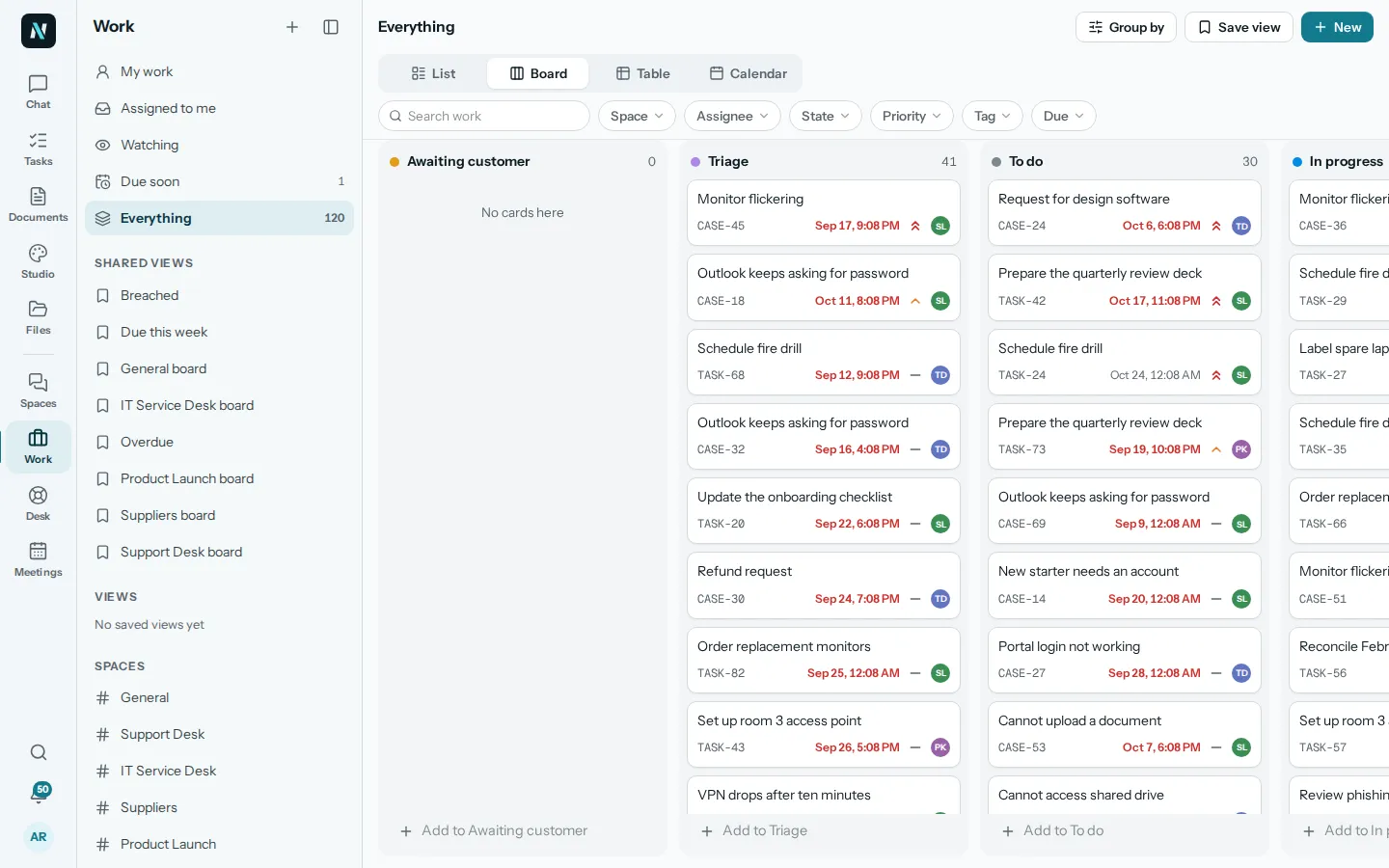
In nerix, a message can be turned into a task, so "Maya will send the revised quote on Friday" becomes an item with an owner and a due date in Work, rather than a line that scrolls away. You can also type a command in the message box to make a task, start a poll or start a meeting, so these steps happen where the conversation is.
A good routine at the end of a discussion:
- State the decision in one sentence. "We are going with option B."
- Name the owner and the date. "Dan will update the page by Wednesday."
- Make the task. Not later. Now.
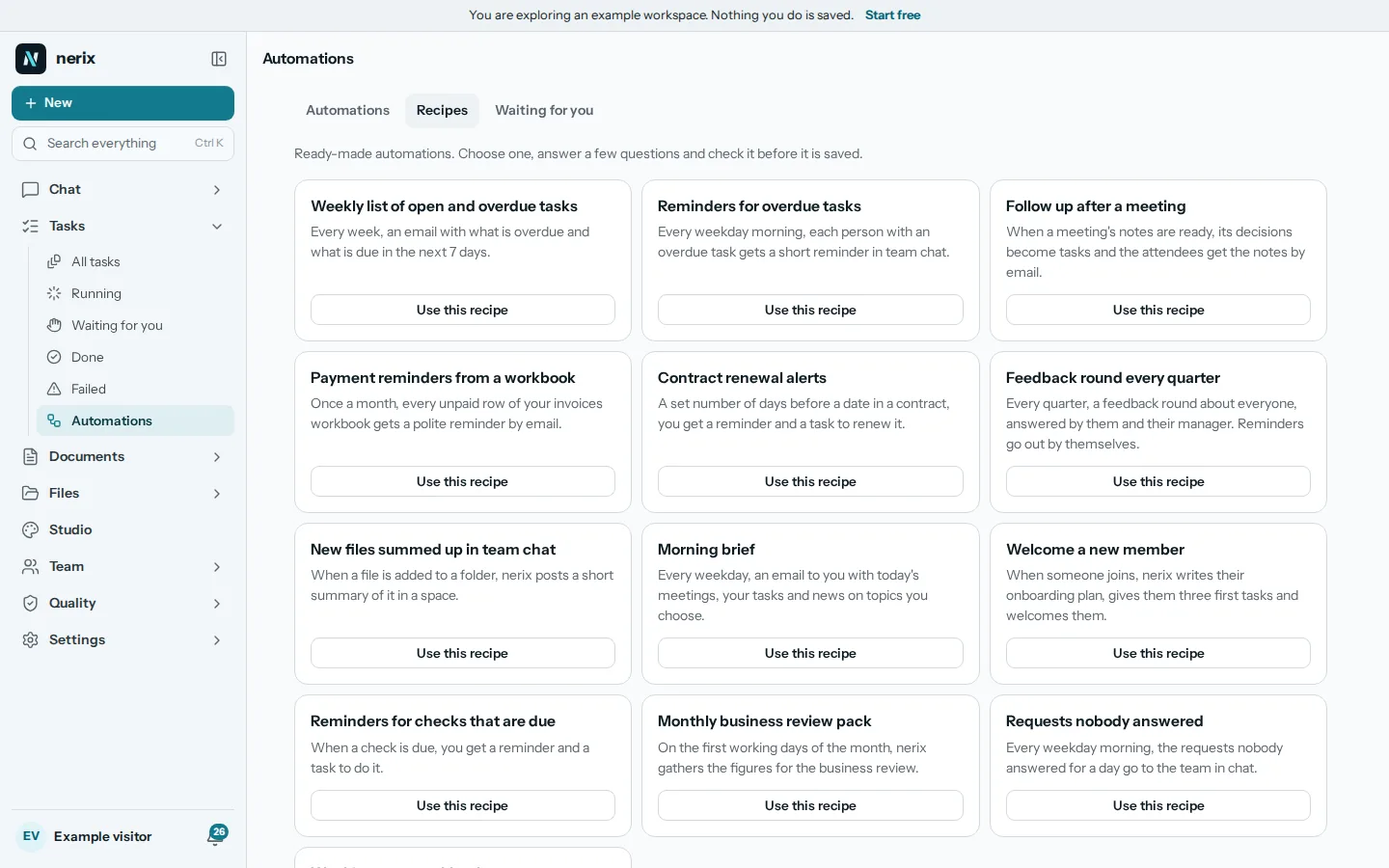
After a meeting, the same principle applies. Send a short note with the decisions and actions, such as the follow-up email after a meeting, and make sure every action is a task with a name on it.
Write messages that can be acted on
How you write matters as much as where. A few habits make a team's chat far more useful:
- Say what you need, and by when. "Can you check the numbers in the Q4 sheet by Thursday?" beats "Can someone look at this?"
- Name the person. Use a mention for the one who should act. If it is for everyone, say so.
- Put the point first. Lead with the question or the decision, then the background.
- Keep it in one message. Five short messages in a row ping five times. One clear message pings once.
- Use the thread or topic. Reply where the conversation is, not in a new message.
- Attach, do not paste. Share files into the conversation so they are stored with it.