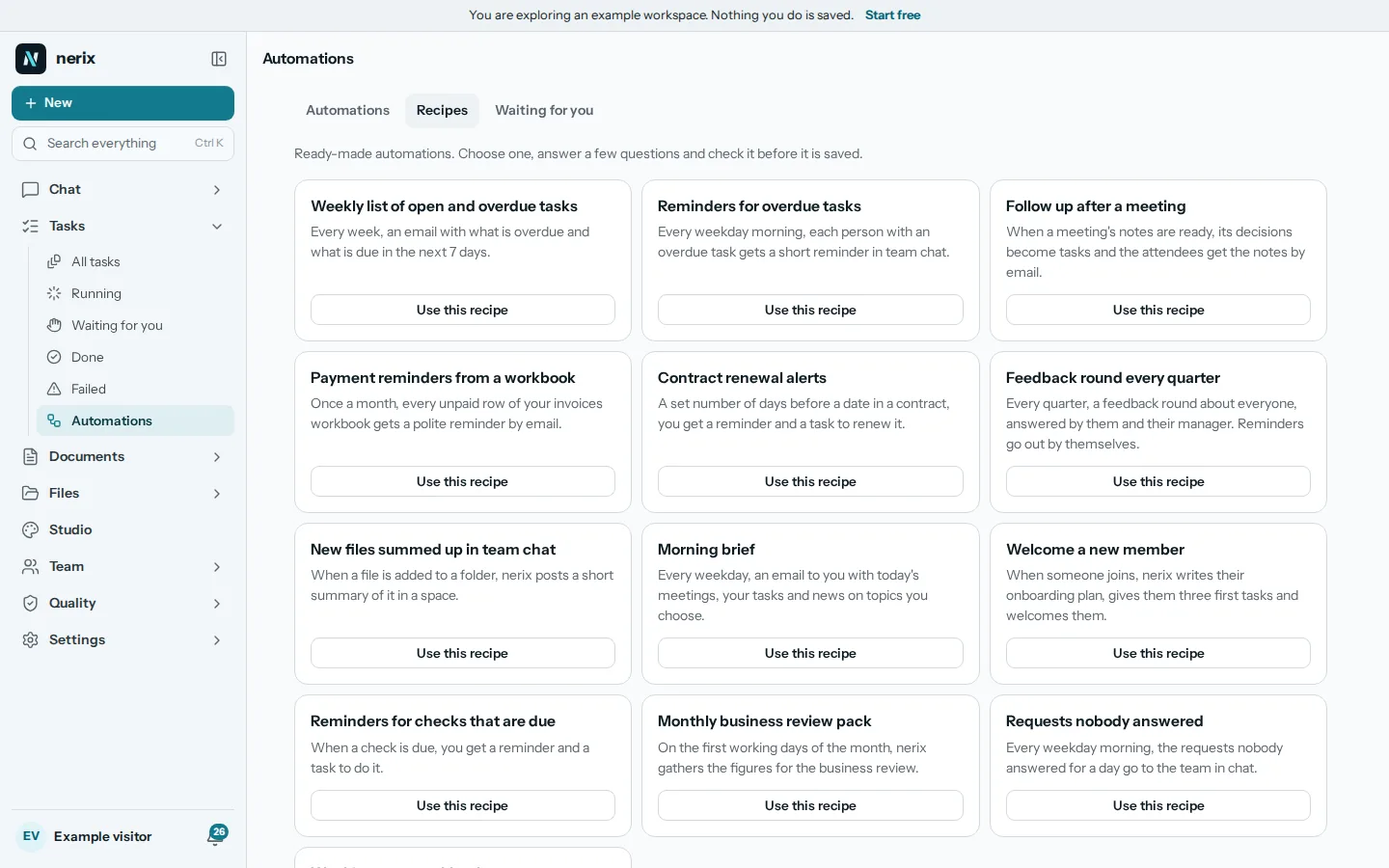
Roles and permissions decide two separate things in a team workspace: what a person can do, and what a person can open. Small teams often skip both until something goes wrong, such as an intern who can delete the client folder, or a contractor who still sees last year's salary sheet. This guide shows a simple way to set them up, the mistakes to avoid, and a review routine that takes an hour twice a year. The ideas apply to any tool. Where we show a product, it is nerix.
Two questions, not one
Most confusion comes from mixing them up.
What can this person do? Invite people, change billing, create folders, delete files, export data. This is a role.
What can this person open? The payroll folder, the board minutes, one client's documents. This is access.
A good setup answers both separately. Roles are few and apply to everyone with that job. Access is set on the folders and documents that need protecting, and everything else stays open to the workspace.
Start from the principle of least privilege
Give people the access their work needs, and no more. It sounds strict, but in a small team it mostly means one decision made once: who is an admin. Many teams make everyone an admin because it is easier, then discover that anyone can delete or export everything.
A workable starting point:
| Role | Who | Can do |
|---|---|---|
| Owner | One or two people | Everything, including billing and removing admins |
| Admin | People who run the workspace | Invite and remove people, manage roles and settings |
| Member | Everyone else on the team | Do their own work, create and edit |
| Viewer | People who only need to read | Open and read what they are given |
| Guest | People outside the company | See only the spaces and threads they are added to |
Add custom roles only when a real job needs them, such as a billing manager who handles invoices but not hiring, or a support agent who answers customers but sees no finances.
Set access on the few things that need it
Resist locking everything. A workspace where every folder is private becomes a place where people cannot find the thing they need and ask an admin each time. Keep the default open, and lock a short list:
- payroll and pay reviews;
- HR files, warnings and contracts (see how to write an employee warning letter for what such files contain);
- board or partner papers;
- client files covered by confidentiality;
- security notes and passwords documentation.
Use three levels. Can view lets a person open and read. Can edit lets them change and upload. Can manage lets them also decide who else can open it. Give manage to as few people as possible.
What good tools get right
Whatever product you use, check these points, because they separate real access control from a label.
- Limits follow into search. If someone cannot open a folder, they should not see its name in search results either.
- Limits follow into AI answers. An assistant that answers from your documents must answer only from what the asking person can open. Otherwise a chat window becomes a way around the permissions.
- Limits go down the tree. What is inside a limited folder is limited too, and can be narrowed but never widened.
- Exports respect access. An export should leave out what the exporting person cannot open.
- Nobody can grant more than they hold. A role builder that lets an admin create a role stronger than their own is a hole.
- There is a way to see. You should be able to check what a person sees, and who can open a given folder and why.