AI assistants write well, quickly and in any tone you like. That is useful, and it is also the problem. A fluent answer feels trustworthy, and some of those answers are wrong: a wrong date, an invented rule, a quotation nobody said. If you build work on them without checking, the mistake becomes yours.
Using AI well is mostly a habit of checking. It is not hard, and it takes less time than doing everything by hand. The routine below shows how to check AI answers quickly, and which ones always need a human.
Know why answers go wrong
Understanding the causes helps you spot the risk.
- It guesses. An assistant predicts likely words. When it does not know, it can still produce something plausible.
- Its knowledge has an end date. It may not know recent events, prices, laws or changes.
- It lacks your context. It does not know your customers, contracts or agreements, unless you give them.
- It can misread your documents, especially long, scanned or badly formatted ones.
- Your question may be ambiguous, and it will answer one reading without telling you.
- It tends to agree. If your question assumes something false, it may go along with it.
None of this makes it useless. It means you treat the output as a draft from a quick colleague who sometimes bluffs.
Ask it to answer from your documents
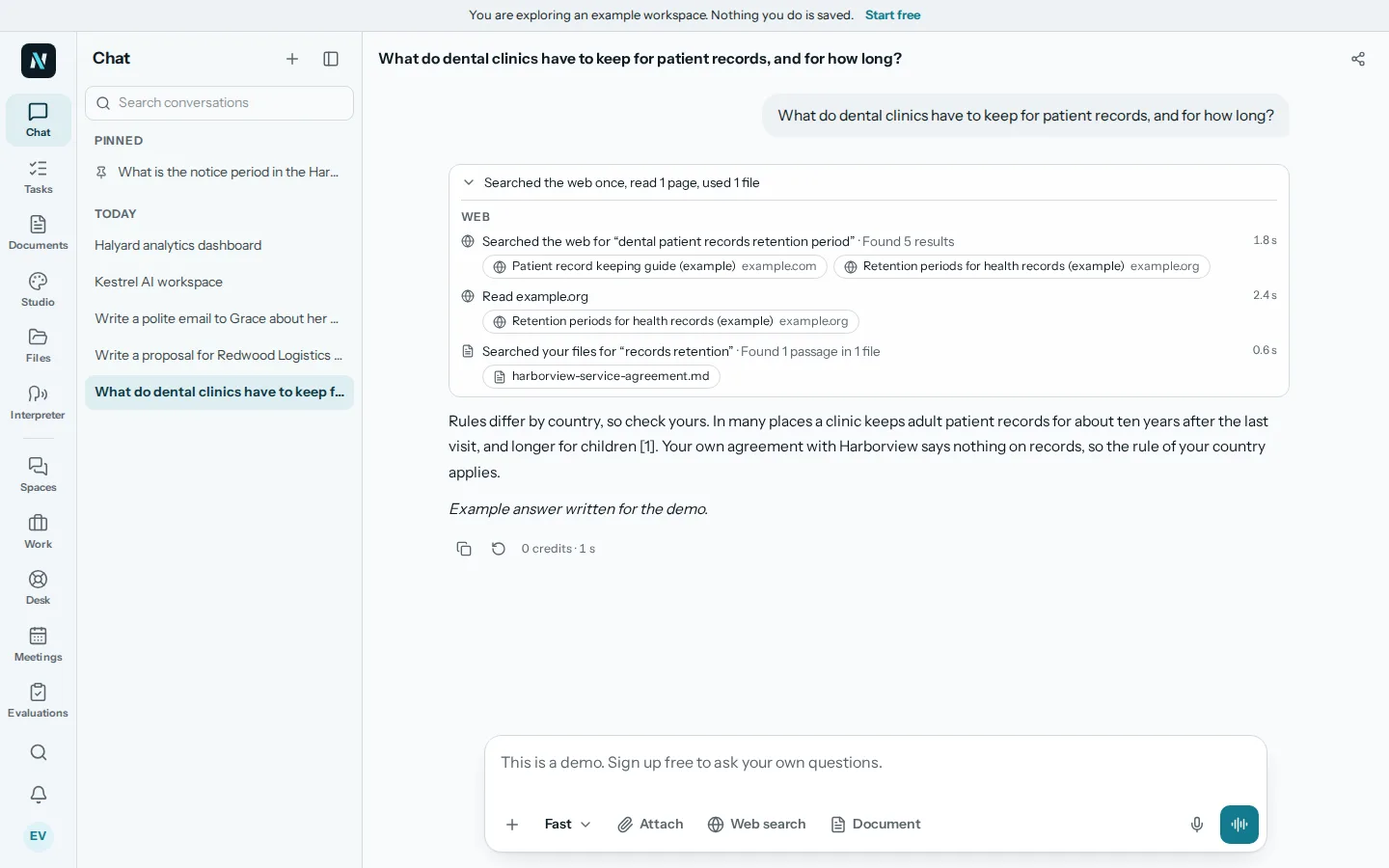
The safest way to get a factual answer about your business is to base it on your own documents. Put the contract, the price list or the policy in a library and ask the assistant to answer from them. An answer tied to a page lets you open that page and read the exact words.
If the assistant says the documents do not contain the answer, that is a good result, not a failure. It is better than a guess.
Use sources, then read them
Where an answer comes with sources, use them. Click through and check:
- Does the source exist, and is it the right one?
- Does it say what the answer claims, or something near it?
- Is it recent enough, and from a reliable place?
- Does the quoted passage keep its meaning in context?
It is common for an answer to be roughly right but with one detail changed. The check is to find the sentence in the source and compare it to the claim. For web answers, prefer original sources, such as an official page, over summaries of summaries.
Know what to double check
Not everything needs the same care. Verify the things where an error costs the most:
- Numbers. Prices, totals, percentages, dates, dosages, dimensions.
- Names and titles, of people, companies and products.
- Legal and tax statements. Rules vary by place and change over time.
- Quotations and citations. Make sure the person said it and the source exists.
- Anything about safety, health or money.
- Claims that sound too neat. A very specific statistic with no source is a warning sign.
For low stakes text, such as a friendly reminder, a light read is enough.
Ask the assistant to help you check
You can use the assistant on its own output, carefully:
- "Which parts of this answer come from the documents, and which are your own knowledge?"
- "List each factual claim in your draft and the source for each."
- "What would need to be true for this to be wrong?"
- "Where are you least sure?"
These do not replace your own reading, but they often surface weak points. Treat its "I am sure" with caution.